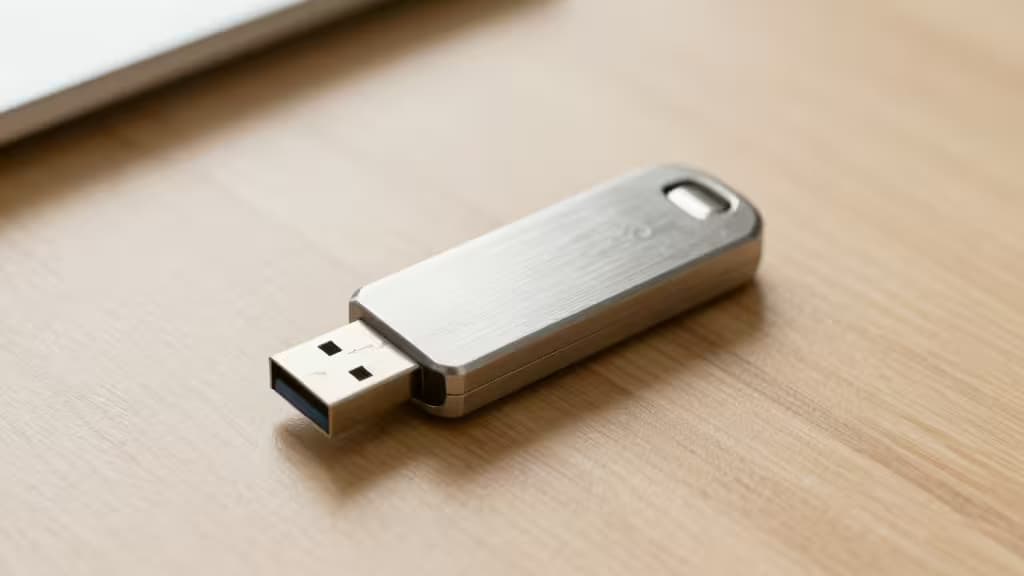
If you still approve login prompts from a text message or an authenticator app, you're leaving the door cracked. SMS codes can be intercepted, and app-based one-time passwords are vulnerable to sophisticated phishing attacks that trick you into typing them into a fake site. Hardware security keys close that door for good.
These small USB or NFC devices are the things actually worth buying for anyone serious about account security. They implement the "possession factor" — you must physically have the key in your hand to log in. No code to steal, no prompt to approve on the wrong device. Just tap and go.
The Best Hardware Security Keys
1. The Simple Starter — Yubico Security Key C NFC
Best for beginners who want the gold standard without the complexity.1
The Yubico Security Key C NFC is the pick that keeps appearing at the top of every expert roundup — and for good reason. Wirecutter calls it "the best choice" for its affordability and broad compatibility, while PCMag gives it their Editors' Choice award for being "easy for first-time users to adopt."1
It supports FIDO2/WebAuthn and U2F, the modern standards that work with Google, Microsoft, GitHub, Facebook, and hundreds of other services. The USB-C connector works with modern laptops and phones, and NFC means you can tap it against an Android phone or iPhone (iOS 16.3+) for passwordless logins. There's no battery to charge, no Bluetooth pairing, no software to install.
At roughly $30, it's the cheapest way to get real phishing-resistant 2FA.
2. The Power User's Key — YubiKey 5 Series
Best for users who want one key to rule them all.2
If the Security Key is a dedicated athlete, the YubiKey 5 Series is a Swiss Army knife. It does everything the Security Key does — FIDO2, U2F, NFC — and adds support for OATH-TOTP (time-based one-time passwords), PIV (smart card), OpenPGP, and Yubico OTP.
This means you can store TOTP secrets directly on the key using Yubico Authenticator, eliminating the need for an app like Google Authenticator or Authy. It also works with legacy protocols that some enterprise or government systems still require. The trade-off is price: expect to pay around $55 for the USB-C model.
For most people, the Security Key is enough. But if you want the versatility to handle any authentication scenario — or you're managing access for a small team — the YubiKey 5 is worth the upgrade.
3. The Biometric Option — YubiKey Bio
Best for those who'd rather use a fingerprint than remember a PIN.2
The YubiKey Bio adds a fingerprint sensor to the YubiKey formula, letting you authenticate with a touch of your finger instead of entering a PIN. It supports FIDO2 and U2F, and the biometric data never leaves the key — it's stored in a secure element that can't be read externally.
This is the most convenient option for daily use: plug in, tap your finger, and you're in. The downside is price (around $80) and slightly less broad compatibility than the YubiKey 5 — it doesn't support OATH-TOTP or PIV. But if you're all-in on modern passkey-based logins and hate typing PINs, this is your key.
Comparison
| Feature | Yubico Security Key C NFC | YubiKey 5 Series | YubiKey Bio |
|---|
| Price | ~$30 | ~$55 | ~$80 |
| Connectivity | USB-C + NFC | USB-C + NFC | USB-C + NFC |
| Key Features | FIDO2, U2F, Passkeys | FIDO2, U2F, TOTP, PIV, OpenPGP | FIDO2, U2F, Fingerprint |
Why Hardware Keys?
The fundamental insight behind hardware keys is the possession factor. Passwords are something you know. SMS codes are something you receive. But a hardware key is something you have — and an attacker halfway around the world can't make you have it.
This makes hardware keys immune to the most common attack vectors:
- Phishing: Even if you type your password into a fake Google login page, the fake site can't challenge your hardware key. The key only responds to the real site's cryptographic challenge.
- SIM swapping: An attacker who takes over your phone number still can't log in without your key.
- Remote malware: Your key never exposes a secret that can be exfiltrated. It signs challenges locally.
Always buy two keys. Set one as your primary and store the second in a safe place (a fireproof safe, a safety deposit box, or with a trusted contact). If you lose your primary key, the backup is your only way to regain access to your accounts without going through a lengthy recovery process.
How to Set Up Your First Key
Enrolling a hardware key with a major account takes about two minutes:
- Google: Go to myaccount.google.com → Security → 2-Step Verification → Add security key. Insert your key, tap it when prompted, and give it a name.
- Microsoft: Go to account.microsoft.com → Security → Advanced security → Add a new way to sign in or verify → Use a security key.
- GitHub: Go to Settings → Password and authentication → Security keys → Register new security key.
That's it. From now on, when you sign in on a new device, you'll insert your key and tap it. No codes to type, no apps to open.
The Bottom Line
If you're buying your first hardware key, start with the Yubico Security Key C NFC. It's affordable, dead simple, and covers every major service that supports modern passkey login. If you need legacy protocol support or TOTP storage, step up to the YubiKey 5 Series. And if convenience is your top priority and you're willing to pay for it, the YubiKey Bio with its fingerprint sensor is a joy to use.
Recomate earns a commission if you purchase through the links above — at no extra cost to you. We only recommend products we've tested and verified.