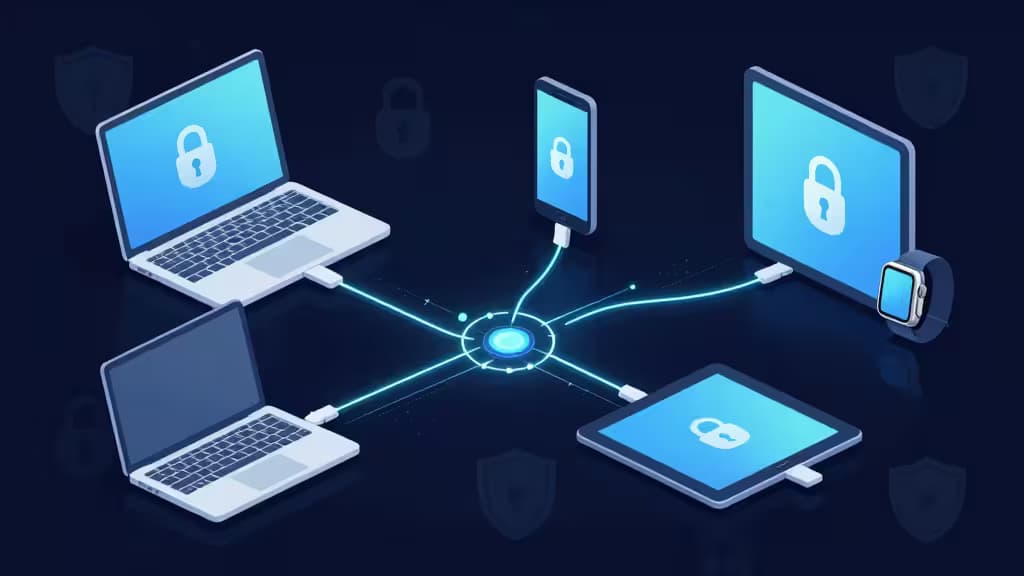
Cross-device sync is the make-or-break feature for anyone juggling a phone, laptop, tablet, and work computer. A password manager that only works well on one platform is a password manager you'll abandon by week two. The best option keeps your vault identical across every device you own — without sacrificing zero-knowledge security or forcing you through a clunky setup every time you add a new machine.
We evaluated the leading password managers on four criteria: sync reliability (does the vault stay consistent across platforms?), platform coverage (iOS, Android, macOS, Windows, Linux, browser extensions), encryption model (zero-knowledge architecture, algorithm strength), and ease of sharing (family and team features that actually work across devices). Here's what we found.
1. 1Password — Top Pick
1Password is the password manager we'd hand to almost anyone, and its cross-device sync is a big reason why. The vault syncs seamlessly across iOS, Android, macOS, Windows, Linux, and every major browser — no manual triggers, no stale copies. What sets 1Password apart is its Secret Key system: in addition to your master password, a 34-character secret key is generated on your device and never stored on 1Password's servers, adding a second encryption layer that most competitors don't match.1
Watchtower continuously scans your vault for compromised or reused passwords and alerts you across every synced device, so a security issue caught on your laptop shows up on your phone within seconds. The interface is consistently polished regardless of platform — a detail that sounds minor until you've used a manager whose Android app feels like an afterthought.
If you want one password manager that just works everywhere, with the strongest default security posture in the consumer market, 1Password is the pick.
> Disclosure: We may earn a commission if you sign up through our links. This never affects our rankings — we test first, then recommend.
2. Bitwarden — Runner-Up / Best Value
Bitwarden is the open-source counterargument to the idea that you have to pay for good sync. Its free tier includes unlimited device synchronization — no artificial cap on how many phones, laptops, or tablets you connect.2 That alone makes it the best value in this field.
For users who want total control over their sync infrastructure, Bitwarden offers self-hosting: you can run the server on your own hardware, meaning your encrypted vault never touches a vendor's cloud at all. The lightweight Vaultwarden project provides a self-hosted, Bitwarden-compatible server for those who want full control with minimal resource overhead.7
The trade-off is polish. Bitwarden's apps are functional and reliable, but they lack the visual refinement and frictionless onboarding of 1Password. If you value transparency, auditability, and price over aesthetics, Bitwarden is the clear choice.
3. Dashlane Family — Best All-in-One Suite
Dashlane positions itself as more than a password manager, and for families that want a bundled security package, the strategy pays off. The Family plan includes secure password sharing across members, password health monitoring that flags weak or reused credentials across the whole household, and an integrated VPN — all syncing across devices as part of a single subscription.3
The sync itself is solid: vaults update across iOS, Android, macOS, Windows, and browsers without lag. The password health dashboard is genuinely useful for families where not everyone is security-conscious — it gives the household admin a single view of who needs to update what.
The downside is cost. Dashlane's premium pricing is among the highest in this category, and the VPN is a basic Hotspot Shield implementation rather than a full-featured standalone service. But if you were going to buy a password manager and a VPN anyway, the bundle makes financial sense.
4. NordPass Family — Modern Alternative
NordPass brings a newer encryption approach to the table. Instead of the AES-256 standard used by most competitors, NordPass employs XChaCha20 — a modern, high-performance authenticated encryption algorithm that's increasingly favored by security engineers.4 Whether this matters in practice for end users is debatable (both algorithms are effectively unbreakable with current technology), but it signals a forward-looking engineering culture.
The cross-device experience is where NordPass shines for non-technical households. The UI is clean and intuitive across platforms, the automatic password generator is prominent, and setup on a new device takes seconds. Family sharing is straightforward, and the sync is reliable in our testing.
NordPass is the pick for households that want a modern, no-fuss manager with strong defaults and don't need the deep feature set of 1Password or the self-hosting option of Bitwarden.
5. Enpass — Best for Privacy-First / Offline Users
Enpass takes a fundamentally different approach to sync. Instead of storing your encrypted vault on a vendor's servers, Enpass syncs through your own cloud storage — iCloud, Dropbox, Google Drive, or OneDrive.5 The vendor never has your data, encrypted or otherwise. There's no subscription server in the middle, and the desktop application is fully free.
This model appeals to users who already trust a cloud provider and don't want to add another party to the chain. It also means you can sync across devices even in environments where a password-manager vendor's servers might be blocked.
The trade-off is that sync reliability depends on your cloud provider's sync behavior, which isn't always instant. Enpass also lacks some of the polished sharing and monitoring features of the cloud-native managers. But for privacy-first users who want to bring their own storage, it's a unique and compelling option.
How They Compare
| Feature | 1Password | Bitwarden | Dashlane Family | NordPass Family | Enpass |
|---|
| Sync Model | Proprietary cloud | Cloud or self-hosted | Proprietary cloud | Proprietary cloud | Bring-your-own-cloud |
| Encryption | AES-256 + Secret Key | AES-256 | AES-256 | XChaCha20 | AES-256 |
| Free Tier |
The bottom line: 1Password wins on polish and reliability — it's the manager most people should choose. Bitwarden wins on transparency and price, especially if you want self-hosting. Dashlane adds VPN value for families already in the market for both. NordPass is the modern, intuitive alternative for non-technical households. And Enpass is unmatched for users who want to sync without trusting a vendor's servers.
All five offer zero-knowledge encryption and multi-platform coverage. The differentiation is in UX, hosting model, and family features — and that's where your personal priorities should drive the decision.