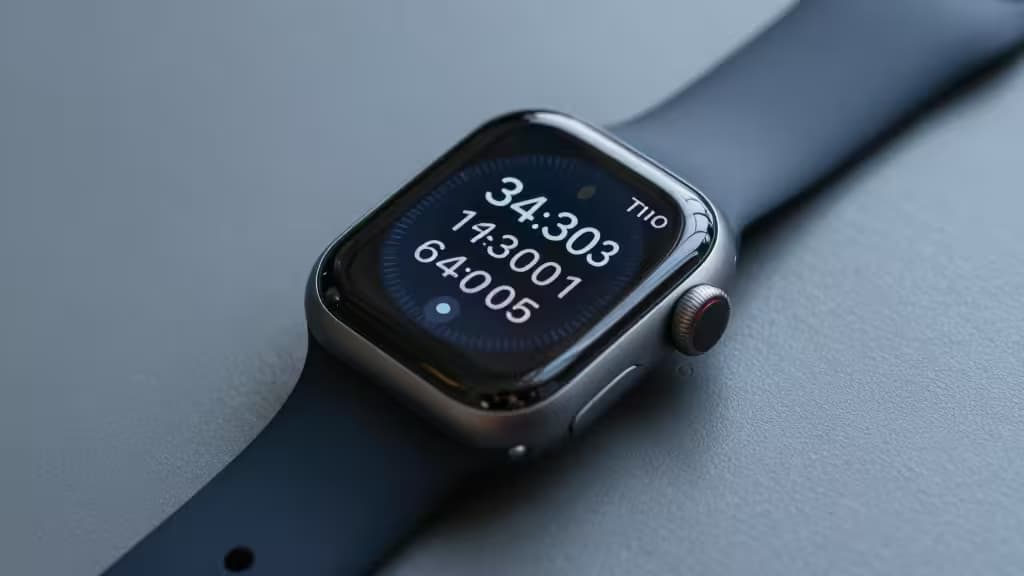
Why this guide is so short
Apple Watch owners want two-factor codes on their wrist — tap, glance, paste — without fumbling for the phone. It's a simple ask, and almost no one answers it. Google Authenticator never built a Watch app. Microsoft Authenticator shipped one, then killed it in 20235. The field narrows fast.
After surveying the remaining options, 2FAS stands alone as a free, open-source authenticator with explicit, active Apple Watch support1. It's our top pick. Below we compare it against four alternatives — two that are worth your time and two that explain, by contrast, why 2FAS wins.
> Disclosure: Recomate earns affiliate commissions when you click through to some of the products below. That never changes our ranking — we'd rather lose a link than mislead a reader about Watch support.
Our picks at a glance
| App | Apple Watch app? | Price | Open source? |
|---|
| 2FAS | ✅ Yes, with complications | Free | Yes |
| Raivo OTP | Limited | Free | Yes |
| Apple Passwords | Indirect (via iCloud) | Free | No |
| Bitwarden Authenticator | No | Paid (Premium) | Yes |
| Microsoft Authenticator |
1. 2FAS — the things actually worth buying (and in this case, free)
Top pick. 2FAS is the only mainstream authenticator that built a dedicated watchOS experience and kept it alive. You get full six-digit codes on the Watch face, complete with complication support so a code is a glance away — no app-hopping, no phone required1.
The rest of the package holds up its end:
- Open source — the codebase is publicly auditable, which matters for any app holding your 2FA seeds1.
- iCloud backup — encrypted, automatic, and optional. You can also run offline-only if you prefer1.
- Browser extension — a desktop companion that pulls codes from your phone, so you're not typing them manually on a laptop1.
- Free — genuinely free, no premium tier gating core features.
If you own an Apple Watch and want 2FA codes on it, this is the app. There isn't really a runner-up that matches it on Watch-native functionality.
Where it falls short: 2FAS is iOS-first. Android users in a mixed-device household won't find the same cross-platform polish, and the browser extension requires the phone app as the source of truth.
2. Raivo OTP — the fast iOS-native alternative
Runner-up. Raivo OTP is a free, open-source iOS authenticator praised for its snappy interface and tight iCloud encrypted sync2. If you want a lightweight, Apple-native alternative to 2FAS and don't care about Watch complications, it's a solid choice.
The catch is the Watch. Raivo's watchOS support is limited compared to 2FAS's dedicated complication integration — you can get codes on the wrist in a pinch, but the experience isn't as polished or actively maintained2. For a Watch-first workflow, 2FAS remains the better fit.
Best for: iPhone users who prioritise speed and a clean native UI over deep Watch integration.
3. Apple Passwords (iCloud Keychain) — the zero-friction native pick
Native pick. Built into iOS 18 and macOS, Apple's Passwords app manages passkeys and 2FA codes through iCloud sync at no extra cost3. For all-Apple households, it's the path of least resistance — no third-party app, no separate account, Face ID unlock by default6.
Watch integration is indirect: codes live in iCloud Keychain and surface on the Watch through Apple's ecosystem plumbing rather than a standalone Watch app. It's seamless if you never leave Apple's walled garden, less useful if you do.
Best for: Users who want one fewer app and already live inside iCloud Keychain.
4. Bitwarden Authenticator — the cross-platform power-user pick
Cross-platform pick. Bitwarden integrates TOTP generation directly into its password manager, so your login credentials and 2FA codes live in one end-to-end-encrypted vault that syncs across every major platform4. For people who juggle iOS, Android, Windows, and Linux, that unified approach is hard to beat.
The trade-off for this guide is obvious: there's no native Apple Watch app. Codes sync across your devices, but pulling one up on the Watch means going through the phone. Bitwarden Authenticator is also a paid Premium feature, unlike the free options above4.
Best for: Multi-platform power users who want a single vault for passwords and 2FA — and don't mind reaching for their phone.
5. Microsoft Authenticator — why it's not the pick
Cautionary comparison. Microsoft Authenticator is an excellent general-purpose authenticator — free, with push notifications, cloud backup, and enterprise-grade security for Microsoft accounts5. By any normal standard, it'd be a strong contender.
But Microsoft discontinued its Apple Watch app in 20235. For a guide specifically about getting 2FA codes on your wrist, that disqualifies it. We include it here so you know we checked — and so you don't waste time installing it expecting Watch support that no longer exists.
How we made the call
The deciding factor for this angle was simple: does the app actually put 2FA codes on the Apple Watch? Only 2FAS clears that bar with a dedicated, actively maintained watchOS app and complication support1. Raivo gets an honourable mention for a fast iOS experience with limited Watch capability. Apple Passwords is the friction-free choice for all-Apple users who don't need a standalone Watch app. Bitwarden serves cross-platform power users at the cost of Watch-native access. Microsoft is here as a warning, not a recommendation.
If you own an Apple Watch and want 2FA on your wrist, 2FAS is the pick — and it's free.