Smart Home Doesn't Have to Be Expensive
The promise of a smart home — lights that respond to your voice, a hub that ties everything together, a garden that waters itself — sounds like a luxury. It isn't. You can start automating your home for under $50, and the devices worth buying are the ones that work the moment you plug them in, no electrician or complex installation required.
This guide focuses on the things actually worth buying when you're new to smart home tech: a voice-controlled hub to issue commands, smart lighting to set the mood, and a controller to handle outdoor automation. Each pick is confirmed budget-tier and serves as a gateway — start with one device, then scale up as your needs grow.
How We Chose
Every device here meets three criteria: it costs under $50, it requires no professional installation, and it works as a standalone entry point or as part of a larger ecosystem. We prioritized devices that beginners can set up in minutes with a smartphone app, and we considered both Google and Apple ecosystems so you're not locked in before you know what you want.
1. Google Nest Mini — The Cheapest Voice Hub
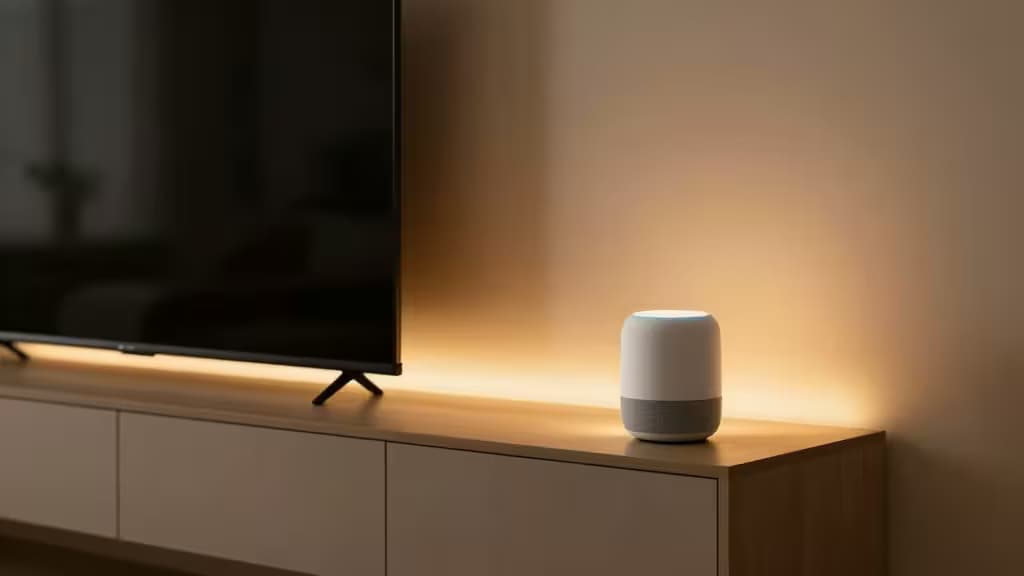
If you want a single device that turns your voice into a remote control for your entire home, the Google Nest Mini is where you start. At roughly $49, it's the most affordable voice assistant hub on the market, and it works the moment you plug it in and connect it to the Google Home app.1
The Nest Mini acts as a command center: ask it to turn off lights, set timers, play music, or control any compatible smart device you add later. For beginners, that means one purchase unlocks voice control across an entire ecosystem — you can add a smart plug next month, a thermostat the month after, and the Nest Mini ties them all together without any extra hub hardware.1
The trade-off is ecosystem lock-in: the Nest Mini is built for Google Home, so it's not the right pick if you live in an Apple household. But if you're starting fresh and want the cheapest possible entry into voice-controlled automation, this is it.
2. Aqara Hub M1S — Best for Apple HomeKit Users
Not everyone wants Google's ecosystem. If you're already invested in Apple's world — or you simply prefer HomeKit's privacy model — the Aqara Hub M1S is the budget hub that gets you in the door. It's a compact Zigbee hub with a built-in siren, and it connects a wide range of low-cost Aqara sensors for security and automation.2
The appeal here is expandability on the cheap. Aqara's sensors — motion detectors, door/window contacts, water leak sensors — are among the most affordable on the market, and the M1S hub acts as the bridge that brings them into HomeKit. That means you can build a security and automation system piece by piece, starting with the hub and adding sensors as budget allows.2
The built-in siren is a nice touch for beginners who want basic home security without paying for a monitored service. Setup requires connecting the hub to your router and pairing sensors through the Aqara app, which is straightforward but slightly more involved than a plug-and-play speaker.
3. Govee RGBIC Smart LED Backlight — Easiest Smart Lighting
Smart lighting is the most popular first step into home automation, and the Govee RGBIC Smart LED Backlight is the most fun way to do it under $50. It features RGBIC technology (multiple colors on a single strip simultaneously), music sync, 99+ preset scenes, and USB power — meaning you can plug it into a TV USB port and have ambient lighting running in minutes.3
For beginners, the appeal is simplicity: no hardwiring, no electrician, no hub required. You control everything through the Govee app, and the music sync mode makes it genuinely entertaining — the lights react to whatever you're listening to or watching. It also supports voice control through Alexa and Google Assistant if you've already got a hub like the Nest Mini.3
Compared to cheaper options, the Govee's RGBIC tech and scene library give it more visual flexibility. If you want lighting that feels premium without the premium price, this is the pick.
4. Daybetter LED Lights — Cheapest Ambient Lighting
If the Govee is the feature-rich option, the Daybetter LED Lights are the absolute budget pick. These are ultra-budget, USB-powered smart strips with sound reactivity, remote control, and app control — and they come in multiple sizes so you can cover a small shelf or an entire room.4
The Daybetter strips do almost everything the Govee does at a lower price point: sound-reactive modes, app-based color selection, and remote control for when you don't want to reach for your phone. The trade-off is that the color effects are less sophisticated — you won't get the per-segment RGBIC coloring — but for ambient glow behind a desk, bed, or TV, the difference is negligible for most beginners.4
This is the pick if you want to try smart lighting with minimal commitment. At this price, you can buy two and still stay under $50.
5. Wyze Smart Sprinkler Controller — Best for Outdoor Automation
Smart home isn't just about indoor lighting. The Wyze Smart Sprinkler Controller brings automation to your yard with weather-based skipping — it checks the forecast and skips watering when rain is coming, saving water and preventing over-saturated lawns.5
For beginners, the Wyze app interface is the selling point: it's clean, intuitive, and walks you through zone setup without requiring any irrigation expertise. The controller is budget-friendly and designed for DIY installation, replacing your existing sprinkler controller without professional help.5
If you've already got indoor smart devices and want to extend automation outdoors, this is the most affordable way to do it — and the weather-skipping feature alone can pay for the device in water savings over a season.
Honorable Mentions: Smart Plugs
If you already have lamps or appliances you want to automate, smart plugs are the simplest sub-$50 upgrade — no new light fixtures or hubs required.
The Kasa Smart Outdoor Plug KP401 is IP64 weatherproof, rated for 15A, and frequently discounted under $50. It automates outdoor appliances without requiring a hub, making it a no-brainer for holiday lights or patio fans.6
The Minoston Matter Outdoor Smart Plug MP22M goes further with IP65 waterproofing and Matter support, meaning cross-platform compatibility that's future-proof for beginners who haven't committed to an ecosystem yet.7
How to Decide
Your first smart home purchase should match what you want to control:
- If you want voice control of everything: Start with the Google Nest Mini. It's the cheapest way to issue voice commands to compatible lights, plugs, and thermostats.1
- If you're in Apple's ecosystem: The Aqara Hub M1S gives you HomeKit support and connects low-cost sensors for security and automation.2
- If you just want smart lighting: The Govee RGBIC is the most feature-rich option under $50, while Daybetter is the absolute cheapest if you want ambient glow on a tight budget.3
- If you want outdoor automation: The Wyze Smart Sprinkler Controller handles irrigation with weather-based skipping, all through a simple app.5
The beauty of starting cheap is that none of these picks lock you in. Begin with one device, see how it fits your routine, and expand from there. That's how a smart home should be built — one useful piece at a time.
Disclosure: Recomate may earn a commission when you purchase through links on this page. This never affects our recommendations — we only pick devices we believe are worth buying.