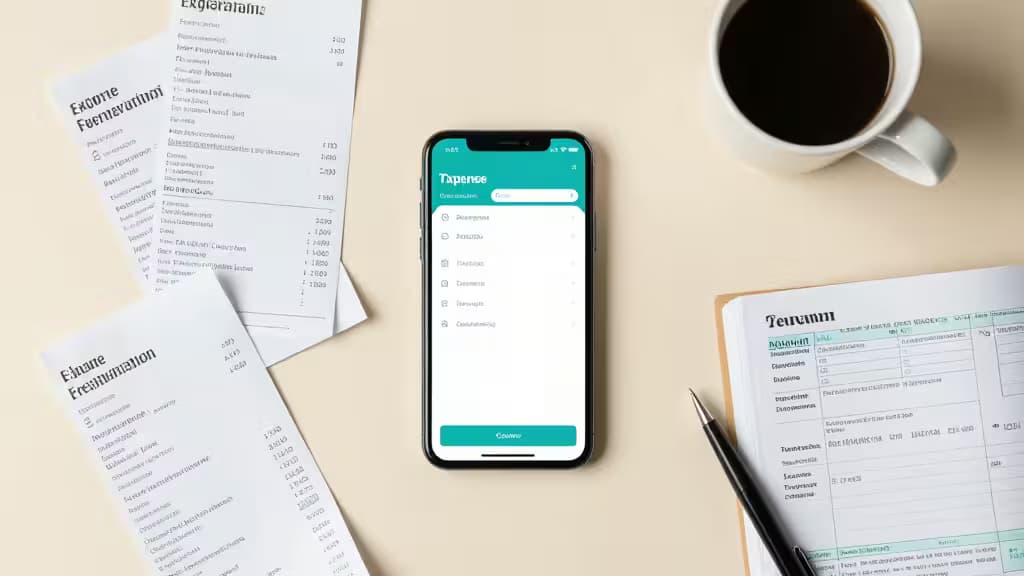
Sole proprietors carry a tax burden that W-2 employees never see: the 15.3% self-employment tax on top of ordinary income tax. Every dollar you forget to deduct doesn't just disappear — it gets taxed at your full combined rate. The average freelancer misses $3,000–$15,000 in deductions annually1, which at a 30% combined rate translates to $900–$1,500 or more in unnecessary taxes3.
The fix isn't more discipline. It's a system — specifically, an expense tracker that maps your spending to IRS Schedule C line items so nothing falls through the cracks. We compared five apps that serve sole proprietors, weighing Schedule C categorization, mileage tracking, receipt scanning, tax estimates, and export options. Here's what we found.
Disclosure: We earn affiliate commissions from some of the apps below, but that doesn't influence our rankings. The cheapest app you actually use beats the priciest one you abandon.
QuickBooks Solopreneur — Best Overall
QuickBooks Solopreneur (formerly Self-Employed) is the top pick across all three comparison guides we reviewed1. At $20/month, it auto-categorizes expenses into IRS Schedule C line items, calculates quarterly tax estimates, and integrates directly with TurboTax for seamless filing2. If you already file through TurboTax, the pipeline from expense capture to filed return is nearly frictionless.
The mileage tracker uses GPS to log trips automatically, and receipt scanning lets you snap photos on the go. The main drawback is price — it's the most expensive option here — and the interface can feel heavy if your finances are simple.
Verdict: The safest all-around choice for sole proprietors who want Schedule C mapping and tax filing under one roof.
Hurdlr — Best for Mileage-Heavy Gig Workers
If you drive for work — rideshare, delivery, client visits — Hurdlr's automatic GPS mileage tracking is the standout feature. It logs trips in the background, calculates the deductible mileage rate, and feeds the numbers into real-time tax estimates2. The free tier covers basic expense tracking; the $10/month Premium plan unlocks full tax categories and reporting3.
Hurdlr doesn't have the deep TurboTax integration of QuickBooks, and its Schedule C mapping is more manual. But for gig workers whose largest deduction is vehicle mileage, the automatic logging alone can pay for the app many times over.
Verdict: The mileage king. Ideal for drivers and gig workers who want GPS-logged deductions without lifting a finger.
Keeper Tax — Best for AI Deduction Discovery
Keeper Tax takes a different approach: it scans your linked bank and credit card transactions and uses AI to flag expenses you might have missed — that software subscription, the home-office portion of your internet bill, the client lunch you forgot about1. At $16/month, it includes Schedule C preparation and tax filing, with human-assisted AI review to catch edge cases3.
The app is less of a full bookkeeping platform and more of a deduction-finding safety net. If you track expenses loosely and worry about what you're missing, Keeper is designed for exactly that anxiety.
Verdict: The deduction detective. Best for sole proprietors who want AI to surface write-offs they'd otherwise overlook.
Wave — Best Free Option
Wave is the budget pick: $0 for bank connections, expense tracking, and invoicing1. For sole proprietors just starting out or those with straightforward finances, it covers the essentials without a monthly fee.
The tradeoff is manual effort. Wave doesn't auto-map expenses to Schedule C line items, so you'll need to categorize transactions yourself and translate them at tax time3. There's no built-in mileage tracker or quarterly tax estimator. If your deduction profile is simple — a handful of recurring business expenses — Wave gets the job done. If it's complex, the time you spend on manual categorization may cost more than a paid app.
Verdict: The free workhorse. Best for sole proprietors with simple finances who don't mind manual categorization.
FreshBooks — Best for Invoicing + Expense Tracking
FreshBooks is built for service-based sole proprietors who send invoices and track expenses in one place. Starting at $19/month, it combines time tracking, invoicing, and expense management with receipt scanning1. The invoicing features are genuinely excellent — customizable templates, automatic payment reminders, and integrated payment processing.
Where FreshBooks falls short is tax-specific automation. Its expense categories don't map as cleanly to Schedule C as QuickBooks does, and there's no built-in quarterly tax estimator2. If your primary need is getting paid by clients and tracking what you spend to run the business, FreshBooks is a strong choice. If tax deduction tracking is your main goal, look elsewhere.
Verdict: The invoicing-first option. Best for service providers who want billing and expenses in a single tool.
How to Choose
The deciding factor is your deduction profile:
- Heavy drivers → Hurdlr's GPS mileage logging is unmatched2
- TurboTax filers → QuickBooks Solopreneur's integration is seamless2
- Deduction-discovery seekers → Keeper Tax's AI scanning catches what you miss1
- Budget-conscious → Wave covers the basics for free1
- Service providers who invoice → FreshBooks combines billing and expenses1
The cheapest app you actually use beats the priciest one you abandon. Start with your biggest deduction category, match it to the app that handles it best, and let the system do the remembering for you.