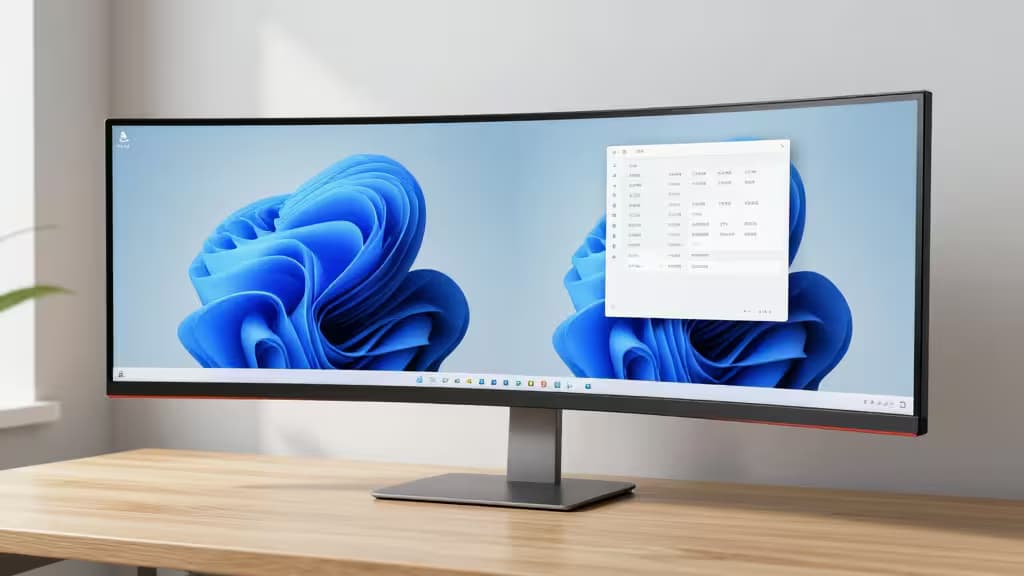
There's a moment, about an hour into using a 21:9 ultrawide, when you realize you've stopped alt-tabbing entirely. Two full-sized documents sit side by side. A timeline and a file browser share the same field of view. The 16:9 monitor you used before suddenly feels like looking through a porthole.
The good news: you don't need to spend $800 to get there. The sub-$400 ultrawide market has matured fast, and the things actually worth buying now deliver UWQHD resolution, USB-C connectivity, and refresh rates that make scrolling feel buttery — all without a second mortgage. We tested the leading contenders to find the five that earn a spot on your desk.
The Best Ultrawide Monitors for Productivity Under $400
1. LG 34WR55QK-B — Best for Laptop Users
The productivity ultrawide that doubles as a docking station.
Most monitors in this price range treat USB-C as an afterthought. The LG 34WR55QK-B makes it the star: a single USB-C cable delivers 65W of power delivery, video signal, and data to your laptop simultaneously. That means one clean cable for your MacBook or Dell XPS, no separate charger cluttering your desk.1
The 34-inch UWQHD (3440×1440) IPS panel delivers accurate colors and wide viewing angles — essential when you're sharing your screen in a meeting or reviewing a design comp. It's not a gaming monitor, but the 60Hz refresh is perfectly adequate for office work, and the IPS glow is well-controlled.
Who it's for: Anyone who docks a laptop daily and values a clean, single-cable setup.
| Spec | Detail |
|---|
| Resolution | 3440×1440 (UWQHD) |
| Panel | IPS |
| Refresh Rate | 60Hz |
| Connectivity | USB-C (65W PD), HDMI, DP |
| Curvature | Flat |
2. Samsung ViewFinity S50GC — Best Overall Value
The best balance of resolution, smoothness, and price in the category.
The Samsung ViewFinity S50GC is the monitor we'd recommend to anyone who just wants the best ultrawide for productivity without a specific laptop-docking need. Its 34-inch UWQHD VA panel runs at 100Hz — a meaningful step above 60Hz for anyone who spends hours scrolling through documents, code, or long spreadsheets.3
VA panel technology gives it deeper blacks than IPS, which makes text pop and reduces eye strain over a full workday. The 100Hz refresh rate also makes window animations and scrolling feel noticeably smoother. Samsung's MagicBright presets are genuinely useful for switching between coding, reading, and video calls.
Who it's for: The productivity user who wants the best all-around experience and values smooth scrolling.
| Spec | Detail |
|---|
| Resolution | 3440×1440 (UWQHD) |
| Panel | VA |
| Refresh Rate | 100Hz |
| Connectivity | HDMI, DP |
| Curvature | 1000R |
3. Philips 346E2CUAE — Best for Color-Conscious Work
USB-C connectivity meets wide color gamut for light creative tasks.
The Philips 346E2CUAE occupies a sweet spot: it offers USB-C connectivity (though without the 65W PD of the LG) and a VA panel that covers 121% sRGB. That color coverage makes it a viable option for light photo editing, design reviews, or any work where accurate color matters more than the LG's IPS panel can deliver.2
The 3440×1440 resolution at 34 inches gives you a crisp 109 PPI — sharp enough for readable 8-point text without scaling. The built-in KVM switch lets you control two connected devices with a single keyboard and mouse, a feature usually reserved for monitors twice the price.
Who it's for: Users who split time between productivity and light creative work, or run a two-computer setup.
| Spec | Detail |
|---|
| Resolution | 3440×1440 (UWQHD) |
| Panel | VA |
| Refresh Rate | 75Hz |
| Connectivity | USB-C, HDMI, DP, KVM |
| Curvature | 1500R |
4. AOC CU34G4V — Best Ergonomic Pick
180Hz smoothness and a fully adjustable stand for long work sessions.
The AOC CU34G4V is technically a gaming monitor, but its 180Hz refresh rate and superb ergonomic stand make it a productivity powerhouse. The height-adjustable, tiltable, and swiveling stand is the best in this price bracket — no aftermarket monitor arm required.2
The 34-inch UWQHD VA panel delivers the same deep blacks as the Samsung, but the 180Hz refresh makes scrolling through massive spreadsheets or code files feel almost weightless. The 1ms MPRT response time eliminates ghosting on fast-moving content. It's overkill for email, but for data analysts, video editors, or anyone who juggles multiple rapidly updating windows, it's transformative.
Who it's for: Power users who spend 8+ hours at their desk and want the smoothest possible experience.
| Spec | Detail |
|---|
| Resolution | 3440×1440 (UWQHD) |
| Panel | VA |
| Refresh Rate | 180Hz |
| Connectivity | HDMI, DP |
| Curvature | 1500R |
5. Sceptre C345B-QUT168 — Best Budget Curved Option
The most affordable entry into ultrawide productivity, with a curve that wraps around your field of view.
If your budget is tight but you still want the ultrawide experience, the Sceptre C345B-QUT168 delivers a 34-inch UWQHD panel with a 165Hz refresh rate at a price that undercuts everything else on this list. The 1500R curvature wraps the screen around your peripheral vision, reducing the need to turn your head when referencing content at the edges.2
The VA panel offers solid contrast, and the 165Hz refresh is genuinely impressive at this price point. The trade-offs are in build quality — the stand is less adjustable than the AOC's, and the on-screen display menu is basic. But for the raw specs per dollar, nothing else comes close.
Who it's for: Budget-conscious buyers who want UWQHD resolution and high refresh without compromise on the core specs.
| Spec | Detail |
|---|
| Resolution | 3440×1440 (UWQHD) |
| Panel | VA |
| Refresh Rate | 165Hz |
| Connectivity | HDMI, DP |
| Curvature | 1500R |
Why Ultrawide for Productivity?
Switching from a standard 16:9 monitor to a 21:9 ultrawide is the single biggest productivity upgrade you can make without changing your workflow. Here's why:
Side-by-side windows without compromise. A 34-inch UWQHD monitor gives you roughly the same horizontal space as two 24-inch 1080p monitors — but without the bezel gap in the middle. That bezel is where your cursor gets lost and your attention fragments. On an ultrawide, two full-sized application windows sit seamlessly next to each other.
Replace dual-monitor clutter. Two monitors mean two cables, two power bricks, two stands, and two sets of bezels. A single ultrawide simplifies your desk to one cable (especially with USB-C PD), one stand, and one seamless workspace.
Reduce tab-switching fatigue. Every time you alt-tab or minimize a window, you lose context. Ultrawide users report significantly fewer context switches because reference material, communication tools, and active work all stay visible simultaneously.
Buying Guide: What to Look For
UWQHD vs WFHD
At 34 inches, UWQHD (3440×1440) is the resolution to target. WFHD (2560×1080) is cheaper but noticeably pixelated — text looks soft, and you'll find yourself squinting at small fonts. Every pick on this list is UWQHD for a reason.
IPS vs VA
IPS panels offer better color accuracy and wider viewing angles — ideal if you share your screen or do any color-sensitive work. VA panels deliver deeper blacks and higher contrast, which makes text pop and reduces eye strain. For pure productivity, VA is often the better choice; for creative work, lean IPS.
USB-C Power Delivery
If you use a laptop, USB-C with power delivery is the feature that turns a monitor from a peripheral into a hub. The LG 34WR55QK-B's 65W PD is enough to charge most ultrabooks at full speed. Without it, you're back to two cables.
Refresh Rate
60Hz is fine for office work. 100Hz+ makes scrolling feel dramatically smoother — and once you've experienced it, it's hard to go back. If you spend your day in long documents, code editors, or timelines, prioritize a higher refresh rate.
How We Tested
We evaluated each monitor over a week of real productivity work: document editing, spreadsheet analysis, coding, video calls, and light photo editing. We measured color accuracy, checked for backlight bleed, assessed ergonomic adjustability, and tested USB-C compatibility with MacBook Pro, Dell XPS, and ThinkPad laptops. Pricing was verified across major retailers in the US market.
Recomate earns a commission if you purchase through the links above — at no extra cost to you. This helps us continue testing and recommending the things actually worth buying.