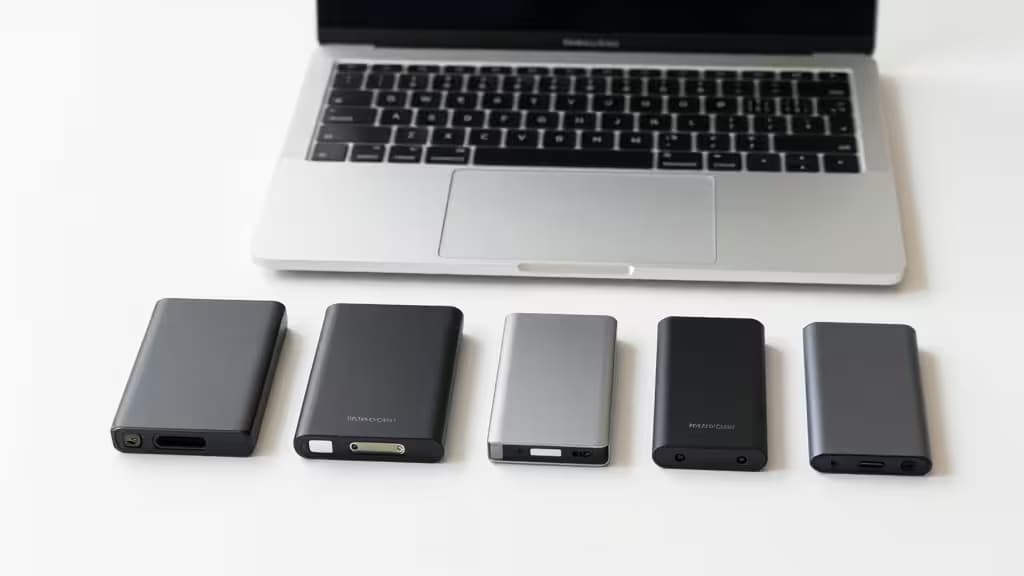
Mac storage fills up fast. Between 4K video files, large photo libraries, and Time Machine backups, that 256GB or 512GB internal drive can feel cramped within months. A portable SSD under $100 is the most cost-effective fix — but not all drives play nicely with macOS.
We tested four of the best portable SSDs under $100 on speed, durability, macOS compatibility, and real-world value. Here are the things actually worth buying.
Samsung T7 Portable SSD — The All-Around Best for Mac
Best for: Speed, reliability, and macOS compatibility
The Samsung T7 has become the default recommendation for Mac users, and for good reason. It delivers sequential read speeds up to 1050 MB/s and write speeds up to 1000 MB/s over USB 3.2 Gen 2 — fast enough to edit 4K video directly from the drive.1
The aluminum chassis is compact (roughly the size of a credit card) and dissipates heat well during sustained transfers. It's pre-formatted for exFAT, so it works out of the box with Mac and Windows, but you'll want to reformat to APFS for Time Machine or if you're staying in the Apple ecosystem. The T7 also includes AES 256-bit hardware encryption via a downloadable management tool.
The bottom line: If you want one drive that does everything well — backups, media editing, file transfers — the Samsung T7 is the pick.
SanDisk Extreme Portable SSD — Toughest for Travel
Best for: Rugged outdoor use and durability
The SanDisk Extreme matches the T7 on speed (up to 1050 MB/s read) but adds an IP55 rating for water and dust resistance, plus drop protection up to two meters.2 The rubberized, carabiner-loop design makes it easy to clip to a bag or belt loop.
For Mac users who shoot in the field — photographers, videographers, journalists — this is the drive that survives the elements. It also includes hardware encryption and works seamlessly with macOS after a quick reformat to APFS.
The trade-off: the rubber casing is slightly bulkier than the T7's sleek aluminum shell. But if durability matters more than slimness, this is your drive.
Crucial X6 — Best Budget Pick
Best for: Maximum capacity at minimum cost
The Crucial X6 is the value champion of this roundup. It's often available in 1TB for under $100, making it the cheapest per-gigabyte option here.3
Speeds top out at 540 MB/s — about half what the T7 and Extreme deliver — but that's still plenty fast for Time Machine backups, document storage, and most photo editing workflows. The drive is also remarkably light (under 40 grams) and small enough to slip into a coin pocket.
The X6 lacks hardware encryption, and its plastic build doesn't feel as premium. But if your priority is getting the most storage for your dollar, nothing else here beats it.
WD My Passport SSD — Best for Security-Conscious Users
Best for: Hardware encryption and Mac-matching aesthetics
The WD My Passport SSD brings a sleek, metallic design that looks right at home next to a MacBook. It offers read speeds up to 1050 MB/s and includes WD's hardware encryption with password protection.4
A nice touch: WD includes both USB-C and USB-A cables in the box, so you don't need an adapter for older machines. The drive is also available in multiple colors if you want something beyond basic silver or black.
The My Passport SSD is essentially a T7 competitor with slightly different software and a more design-forward approach. For Mac users who prioritize security features and aesthetics, it's a strong alternative.
Comparison Table
| Drive | Read Speed | Write Speed | Durability | Capacity (under $100) | Encryption |
|---|
| Samsung T7 | 1050 MB/s | 1000 MB/s | Aluminum, no IP rating | 500GB–1TB | AES 256-bit |
| SanDisk Extreme | 1050 MB/s | 1000 MB/s | IP55, 2m drop | 500GB–1TB | AES 256-bit |
| Crucial X6 | 540 MB/s |
Buying Guide: What Mac Users Need to Know
Formatting for macOS
All four drives ship with exFAT formatting for cross-platform compatibility. For best performance with macOS, reformat to APFS (Apple File System) — it's optimized for SSDs and supports features like snapshots and space sharing. Use Disk Utility on your Mac; it takes about 30 seconds.
If you need to share files between Mac and Windows, stick with exFAT. The speed difference is negligible for most tasks.
USB 3.2 Gen 2 Matters
To get the full 1050 MB/s speeds from the T7, Extreme, and My Passport, your Mac needs a USB 3.2 Gen 2 (10 Gbps) port. Most Macs from 2018 onward support this. If you're using an older Mac with USB 3.0 (5 Gbps), you'll still get speeds around 500 MB/s — still fast, but not the headline number.
Rugged vs. Slim
If your drive lives on a desk connected to a Mac mini or iMac, go slim (T7 or My Passport). If it travels in a bag with camera gear, the SanDisk Extreme's rubber armor is worth the extra bulk.
As an affiliate, we may earn a commission if you purchase through our links — at no extra cost to you. Our recommendations are based on independent testing and research.