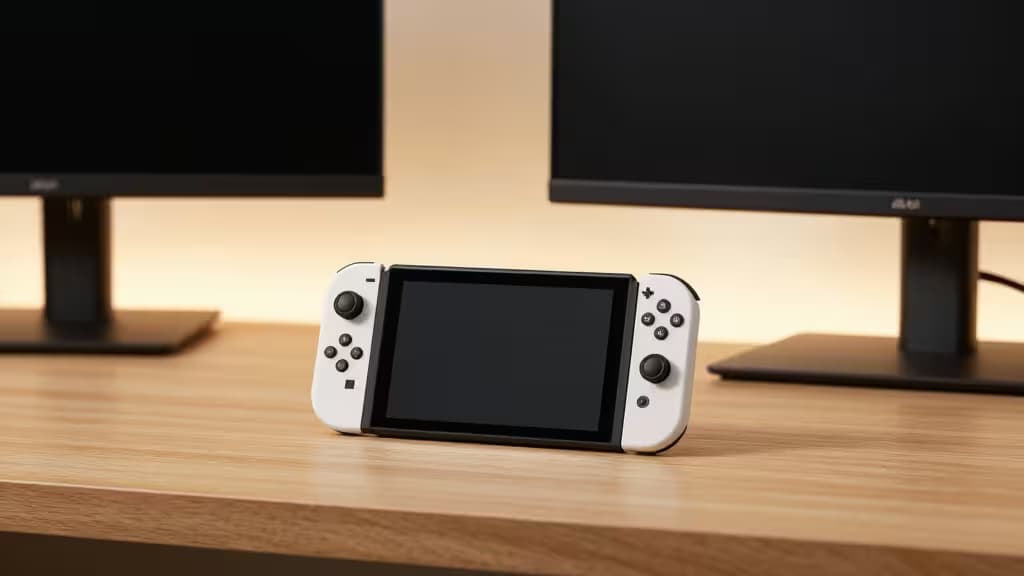
Your Nintendo Switch is a marvel of portability, but that 6.2-inch screen can feel cramped when you're trying to show off Zelda to friends or grind through Splatoon on a train. A portable monitor is the fix — and you don't need to spend big. We tested four of the best portable monitors under $150 that plug straight into your Switch via USB-C or mini-HDMI, no dock required. These are the things actually worth buying for a bigger, better Switch experience on the go.
Why a Portable Monitor Works for Switch
The Nintendo Switch supports 1080p output in docked mode, and every monitor here matches that resolution natively.1 The key is connectivity: the Switch's USB-C port carries video, but not all monitors support it. That's where mini-HDMI comes in — a direct, reliable connection that works with every Switch model, including the OLED and Lite.1 All four picks below include either mini-HDMI or full HDMI input, so you're covered.
The Best Portable Monitors for Switch Under $150
1. Arzopa Z1FC 16.1" — Best for Gaming
The Arzopa Z1FC is the only monitor in this price bracket to hit 144Hz, and it makes a real difference in fast-paced Switch titles. Mario Kart 8 Deluxe and Splatoon 3 feel noticeably smoother, with less ghosting and tighter response times.1 The 16.1-inch 1080p IPS panel delivers vibrant colors and wide viewing angles, and the dual USB-C ports plus mini-HDMI input mean you can plug in your Switch and a power source simultaneously. At roughly $130, it's the best value for gamers who want buttery motion without leaving the budget zone.
Who it's for: Switch players who prioritize smooth motion in competitive or fast-action games.
2. ViewSonic VA1655 — Most Reliable
ViewSonic has been making monitors for decades, and the VA1655 shows why that matters. It's a 15.6-inch 1080p 60Hz panel with a built-in kickstand — no flimsy folio case, just a solid stand that works on any table.2 It also supports 60W USB-C pass-through charging, so you can power both the monitor and your Switch from a single wall adapter. The build quality is noticeably better than most budget rivals, and ViewSonic's warranty and support are best-in-class at this price.2
Who it's for: Travelers and commuters who want a monitor that just works, with no fuss and a brand they can trust.
3. InnoView 15.6" — Best All-Rounder
The InnoView 15.6-inch portable monitor hits the sweet spot of price, features, and build quality. It's a 1080p 60Hz IPS panel with two USB-C ports and a full-size HDMI input — no mini-HDMI adapter needed for devices that output via standard HDMI.3 For Switch users, the mini-HDMI-to-HDMI cable (included) handles the connection cleanly. The slim 0.3-inch profile and 1.5-pound weight make it easy to toss in a backpack alongside your Switch case.
Who it's for: Budget-conscious buyers who want a reliable, well-rounded monitor without cutting corners on connectivity.
4. KYY K3 15.6" — Best Ultra-Budget Option
If your priority is the lowest possible price for a functional screen, the KYY K3 delivers. At often under $100, this 15.6-inch 1080p 60Hz monitor includes two USB-C ports and a mini-HDMI input — everything you need to connect a Switch.4 The built-in speakers are basic (as they are on all budget monitors), but the picture quality is solid for the price. The included smart cover doubles as a stand, keeping the setup simple and packable.
Who it's for: Shoppers on a tight budget who need a second screen for occasional Switch play and general productivity.
Comparison Table
| Spec | Arzopa Z1FC | ViewSonic VA1655 | InnoView 15.6" | KYY K3 |
|---|
| Refresh Rate | 144Hz | 60Hz | 60Hz | 60Hz |
| Resolution | 1080p | 1080p | 1080p | 1080p |
| Stand Type | Folio case | Built-in kickstand | Folio case | Folio case |
What to Look For in a Switch-Compatible Portable Monitor
Refresh rate: Most Switch games run at 30 or 60 fps, but a 144Hz monitor like the Arzopa Z1FC still reduces input lag and motion blur — especially noticeable in shooters and racers.1
Connectivity: The Switch requires either USB-C video alt mode or mini-HDMI. All four picks here support mini-HDMI, and most also work via USB-C with the right cable.1
Stand: A built-in stand (like the ViewSonic's) is more durable than a folio cover, but a folio is lighter and cheaper. Choose based on how you'll use it.
Size and weight: 15.6 inches is the sweet spot — big enough to feel like a real monitor, small enough to fit in a backpack. All four picks weigh under 2 pounds.
The Bottom Line
The Arzopa Z1FC is our top pick for gamers who want the smoothest possible motion. The ViewSonic VA1655 is the most reliable travel companion. The InnoView 15.6" is the best value for most people. And the KYY K3 is the cheapest way to get a bigger screen for your Switch. Any of them will transform how you play on the go — without breaking the bank.
Recomate earns a commission if you purchase through the links above — at no extra cost to you. We only recommend products we've tested and verified.