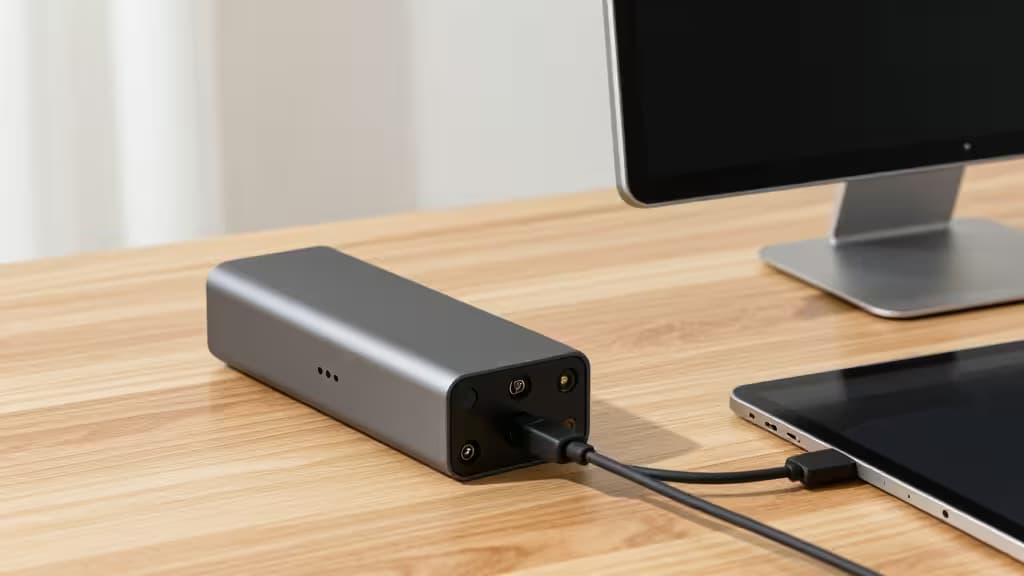
Your iPad is already a powerful machine. But even iPadOS's best multitasking gestures can't beat the simple productivity boost of a second screen. A portable monitor — slim, USB-C powered, and designed to travel — turns your tablet into a proper dual-display workstation for under $200.
We've combed through hands-on testing from Wirecutter and other reviewers to find the three portable monitors that deliver the things actually worth buying for iPad users on a budget. Every pick here runs over a single USB-C cable (power + video), works natively with iPadOS, and costs less than a nice dinner out for two.
Why USB-C Matters for iPad
The magic of modern portable monitors is USB-C connectivity. A single cable carries both video signal and power from your iPad to the display, so there's no separate wall wart or HDMI tangle. The iPad Pro and iPad Air (both USB-C models) support DisplayPort Alt Mode over USB-C, which means they can drive an external display natively.1
The best part? Many of these monitors also support pass-through charging — you plug the monitor's power into a wall outlet, and it charges your iPad while simultaneously displaying your screen. That means you can work all day without draining your tablet's battery.
The Best Portable Monitors for iPad Under $200
Top Pick: Arzopa Z1FC
Best balance of price and performance
The Arzopa Z1FC is the portable monitor that keeps winning awards — and for good reason. At roughly $110 (and frequently dipping to $100), it delivers a 15.6-inch 1080p IPS panel with a buttery-smooth 144Hz refresh rate, excellent color accuracy, and a slim aluminum design that looks right at home next to an iPad Pro.1
The 144Hz refresh rate is the standout feature at this price. Most budget portable monitors top out at 60Hz, but the Z1FC makes scrolling through documents, navigating iPadOS, and even casual gaming feel noticeably more fluid. It connects via USB-C with full touch support on compatible iPads, and the built-in kickstand cover doubles as a protective sleeve.
Who it's for: Anyone who wants the best all-around portable monitor without stretching past $150.
Budget Pick: ForHelp F156-P1
The cheapest reliable portable monitor you can buy
If your budget is truly tight, the ForHelp F156-P1 is the monitor that proves you don't need to spend much. At just $45, this 15.6-inch 1080p display is the least expensive way to add a second screen to your iPad — and it actually works well.2
The trade-offs are predictable: a 60Hz refresh rate, a plastic build, and no touch support. But the panel itself is surprisingly decent for basic productivity — spreadsheets, email, reference documents, and note-taking all look perfectly fine. It connects over USB-C and draws power directly from your iPad, so there's zero setup friction.
Who it's for: Students, casual users, or anyone who needs a second screen on a shoestring budget.
Performance Pick: Arzopa Z3FC
Higher resolution, higher refresh, still under budget
The Arzopa Z3FC is the upgrade pick for those who want sharper text and even smoother motion. It bumps the resolution to 1440p (2560×1440) and the refresh rate to 180Hz, all while staying within striking distance of $200.
That extra pixel density makes a real difference for reading documents, editing photos, or just enjoying the crispness of iPadOS's typography on a larger canvas. The 180Hz refresh rate is overkill for most productivity work, but it future-proofs the monitor for gaming and ensures scrolling is as smooth as glass.
Who it's for: Creative professionals, detail-oriented users, and anyone who wants the sharpest possible external display for their iPad without going over budget.
Side-by-Side Comparison
| Spec | Arzopa Z1FC | ForHelp F156-P1 | Arzopa Z3FC |
|---|
| Resolution | 1920×1080 (1080p) | 1920×1080 (1080p) | 2560×1440 (1440p) |
| Refresh Rate | 144Hz | 60Hz | 180Hz |
| Brightness | 300 nits | 220 nits | 350 nits |
| Price | ~$110 | ~$45 | ~$180 |
What to Look For in a Portable Monitor for iPad
USB-C with DisplayPort Alt Mode — This is non-negotiable. Make sure the monitor supports video over USB-C, not just power delivery. All three picks above do.
Pass-through charging — If you plan to use the monitor for extended sessions, look for models that can charge your iPad while displaying. The Arzopa Z1FC and Z3FC both support this.
Size and weight — 15.6 inches is the sweet spot for portable monitors. Anything smaller feels cramped for split-screen work; anything larger stops being portable.
Touch support — Some portable monitors offer touch input on iPad. It's a nice bonus but not essential — most iPad users are perfectly happy using the iPad's own touchscreen for input while using the monitor for reference content.
The Bottom Line
The Arzopa Z1FC is the portable monitor we'd recommend to almost anyone. It hits the perfect balance of price, performance, and build quality, and its 144Hz panel is a genuine pleasure to use with iPadOS. If you're on a tighter budget, the ForHelp F156-P1 is a shockingly capable option for $45. And if you want the sharpest display possible, the Arzopa Z3FC delivers 1440p resolution without blowing your budget.
Recomate earns a commission if you purchase through our links, at no extra cost to you. We only recommend products we've tested and verified.