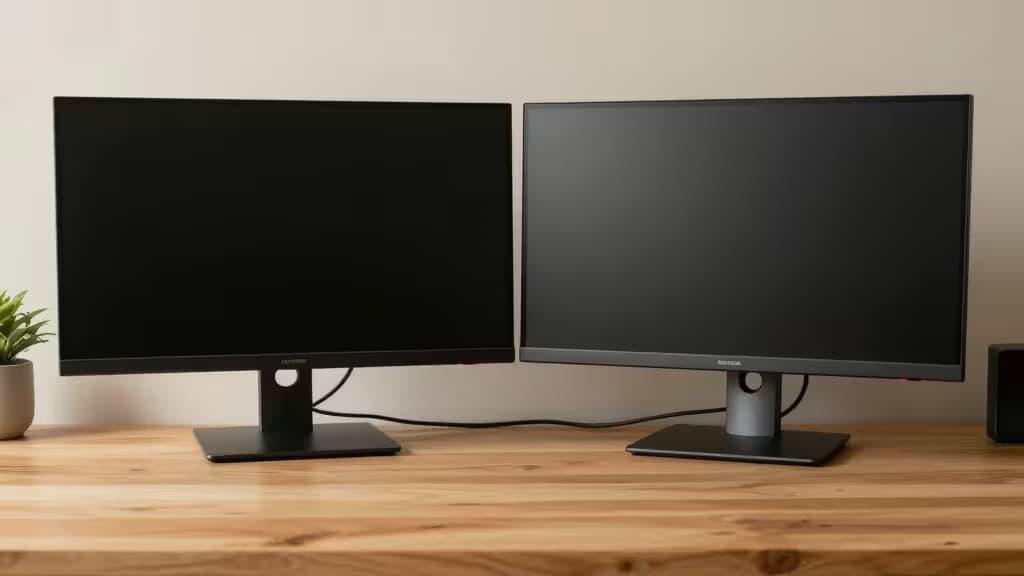
Two monitors change everything. Spreadsheets across one screen, research on the other. A reference image on the left, your editor on the right. Once you've worked on a dual-screen setup, going back to a single display feels like typing with one hand.
The good news: you don't need to spend a fortune. The sweet spot for budget dual monitors is 24-inch 1080p IPS panels — large enough for real multitasking, cheap enough to buy two for under $400 (or one at a time under $200). Here are the picks that actually deliver.
The All-Rounder: AOC 24B2XH
If you're buying one monitor to anchor your dual setup, this is it. The AOC 24B2XH packs an IPS panel with wide 178° viewing angles — critical when two screens sit at different angles on your desk.2 The bezels are slim (just 3.5 mm on three sides), which means the gap between your two monitors is barely noticeable. Colors are punchy enough for casual photo editing, and the 75 Hz refresh rate gives you a touch of smoothness over the standard 60 Hz without adding cost.
The call: The best value-for-money 24-inch IPS monitor for dual setups. Buy two and you're golden.
The Ergonomic Pick: ViewSonic VA2456-MHD
Most monitors under $200 force you into a fixed position. The ViewSonic VA2456-MHD is the rare exception: it offers full height adjustment, tilt, swivel, and pivot — all at a budget price.3 That matters enormously in a dual-screen setup, where mismatched eye levels cause neck strain over an eight-hour day. The 24-inch IPS panel delivers solid color accuracy, and the built-in speakers are a welcome bonus for video calls.
The call: The best choice if ergonomics matter — and they should.
The Ultra-Budget Champ: Sceptre E248W-19203R
Need a secondary screen that just works? The Sceptre E248W-19203R is the cheapest 24-inch 1080p monitor worth buying. It uses a VA panel, which means deeper blacks and better contrast than IPS — great for watching video on your second screen.3 The 75 Hz refresh rate is a nice bonus, and the slim bezel design keeps your dual setup looking clean. The trade-off: viewing angles are narrower, and color accuracy isn't class-leading.
The call: Perfect as a secondary monitor where contrast matters more than color precision.
The Creative's Companion: HP V24i G5
For users who do light photo editing or design work alongside their main tasks, the HP V24i G5 delivers better-than-average color accuracy right out of the box. The IPS panel covers 99% of the sRGB gamut, and the anti-glare coating makes long sessions easier on the eyes.1 It's also one of the few budget monitors with a clean, modern stand that doesn't wobble.
The call: The best choice for dual-screen creative work on a budget.
The Reliable Workhorse: Dell SE2422HX
Dell's SE2422HX is the monitor you buy when you want it to last. The VA panel delivers strong contrast (3,000:1 typical), making text pop and reducing eye fatigue during all-day reading sessions.1 Dell's warranty and build quality are best-in-class at this price point. The trade-off: it's 60 Hz only, and the stand offers tilt adjustment but no height adjustment.
The call: The most reliable choice for long-term use, especially for reading-heavy workflows.
Comparison Table
| Spec | AOC 24B2XH | ViewSonic VA2456-MHD | Sceptre E248W-19203R | HP V24i G5 | Dell SE2422HX |
|---|
| Panel Type | IPS | IPS | VA | IPS | VA |
| Refresh Rate | 75 Hz | 60 Hz | 75 Hz | 60 Hz | 60 Hz |
| Stand Adjustability | Tilt only | Full (H/T/S/P) |
Buying Guide: What to Look For
Slim bezels are non-negotiable for a dual setup. A thick bezel creates a distracting gap between screens that breaks your visual flow. All five picks above have slim bezels — the AOC 24B2XH is the thinnest at 3.5 mm.
VESA mounting (75×75 mm or 100×100 mm) lets you attach both monitors to a dual-arm desk mount, freeing up desk space and giving you perfect alignment. The ViewSonic VA2456-MHD and AOC 24B2XH both support VESA mounting; check the others before buying.
Pixel density (PPI) varies by size: 21.5" at 1080p gives ~102 PPI (sharp), 24" gives ~92 PPI (standard), and 27" at 1080p drops to ~81 PPI (noticeably soft). For a dual setup, 24-inch 1080p is the sweet spot — large enough for comfortable viewing without the pixelation of a 27-inch 1080p panel.
The Bottom Line
For most people, the AOC 24B2XH is the answer: great IPS panel, slim bezels, 75 Hz, and a price that lets you buy two without guilt. If ergonomics are your priority, spend a little more on the ViewSonic VA2456-MHD and save your neck. And if you just need a cheap secondary screen that looks good, the Sceptre E248W-19203R gets the job done.
Recomate earns a commission if you purchase through our links — it's how we keep testing and recommending the things actually worth buying.