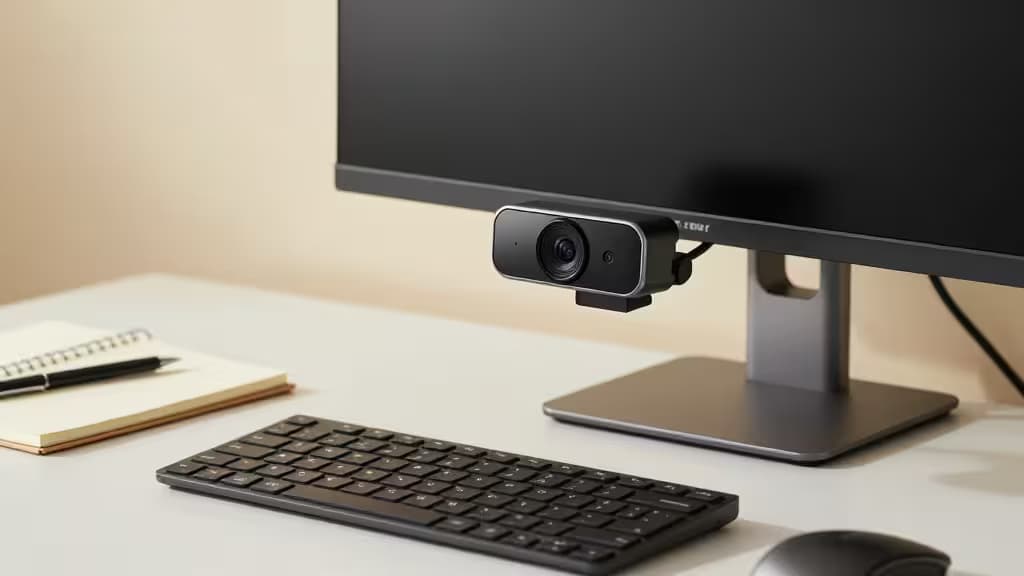
Online teaching demands more than a laptop camera can deliver. Whether you're presenting slides, demonstrating a technique at your desk, or recording lessons for asynchronous playback, students need to see you clearly — and a 720p built-in webcam with tinny audio simply won't cut it. The good news: you don't need to spend a fortune. Every webcam on this list comes in under $100 and offers plug-and-play USB simplicity, so you can focus on teaching instead of troubleshooting drivers.
Here's how we evaluated them: image quality comes first (1080p is the floor for professional instruction), followed by microphone quality (students need to hear you as clearly as they see you), and lighting flexibility (home classrooms rarely have studio lighting). We also considered field of view for teachers who demonstrate at a desk or whiteboard, and frame rate for those who move around during lessons.
Recomate may earn a commission when you buy through links on this page — it never influences our picks.
1. Logitech C920s Pro — Top Pick
The C920s Pro is the webcam against which all others are measured, and for good reason. It captures sharp 1080p video at 30 frames per second with automatic light correction that handles the uneven lighting typical of home classrooms1. Dual stereo microphones deliver natural-sounding audio so students hear you without the hollow, compressed quality of a laptop mic1. A built-in privacy shutter snaps over the lens when class is over — a small but thoughtful touch that teachers who share workspaces will appreciate1.
If you want one webcam that does everything well and never gives you a reason to think about it again, this is the one. It sits in the $70–90 range, making it the priciest pick here but still comfortably under budget.
Verdict: The gold standard. Buy it and forget about it.
2. Creative Live! Cam Sync — Best Value
Creative explicitly designed the Live! Cam Sync with presenters and educators in mind, and it shows2. You get 1080p video, a wide-angle lens that captures more of your teaching space, and a noise-cancelling microphone that suppresses background chatter — useful if your classroom shares a wall with a busy household2. Setup is genuinely plug-and-play: plug in the USB cable and you're live2.
At roughly $50–70, it undercuts the C920s Pro by $20–30 while matching it on resolution. The image isn't quite as refined — colors run slightly cooler and low-light performance trails the Logitech — but for most online teaching scenarios the difference is negligible. If budget is your top constraint but you refuse to drop below 1080p, this is your pick.
Verdict: Educator-focused features at a teacher-friendly price.
3. Razer Kiyo V2 X — Best for Smooth Motion
Most webcams in this price range cap out at 30 frames per second. The Razer Kiyo V2 X pushes to 1080p at 60fps, which means motion stays smooth even when you're gesturing, moving around, or demonstrating something hands-on at your desk3. Fast autofocus keeps you sharp as you shift between sitting at the camera and standing at a whiteboard3. A privacy shutter is included, and Razer's Synapse software lets you fine-tune exposure and white balance if you want more control3.
At around $80, it's priced between the Creative and the Logitech. The trade-off: Razer's gaming-brand aesthetic and software won't appeal to everyone, and the built-in microphone is adequate but not as polished as the C920s Pro's dual stereo setup. For teachers whose lessons involve movement, though, the 60fps advantage is real and noticeable.
Verdict: 60fps makes it the pick for teachers who move.
4. AUSDOM AF640 — Best Wide-Angle
The AUSDOM AF640's standout feature is its 90° field of view — the widest on this list4. That extra width lets you frame a desk surface, a whiteboard, or a small group of students without backing the camera across the room4. It delivers 1080p Full HD with autofocus and dual microphones, covering the essentials for clear instruction4.
At $40–60, it's one of the most affordable 1080p options here. The image quality is a step below the C920s Pro — expect softer detail and less effective light correction — and the wider FOV means you may need to position yourself carefully to avoid looking tiny in frame. But if your teaching style involves showing physical objects or a workspace, no other pick on this list captures as much of the scene.
Verdict: Widest view for demo-heavy teaching on a budget.
5. Logitech C270 HD — Ultra-Budget Fallback
Not every teacher can spend even $50 on a webcam. The Logitech C270 HD is the honest answer for that situation: 720p resolution, a noise-reducing microphone, and automatic light correction for roughly $25–405. It's a significant step up from a typical laptop camera, which often struggles in anything less than ideal lighting5.
The 720p ceiling is the obvious limitation — your video will look softer than every other pick here. There's no privacy shutter, and the field of view is narrower than the AF640 or Creative. But if you need something that works, costs almost nothing, and comes from a brand you can trust for driver reliability, the C270 gets the job done.
Verdict: The cheapest credible upgrade from a laptop cam.
How to Choose
If image quality is your priority: The Logitech C920s Pro delivers the most refined 1080p picture with the best microphone array on this list1. It's the pick most likely to make you look professional without any tinkering.
If value matters most: The Creative Live! Cam Sync matches the C920s on resolution at a lower price, with educator-specific features like a noise-cancelling mic and wide-angle lens2.
If you move during lessons: The Razer Kiyo V2 X's 60fps capture is the differentiator that matters for teachers who demonstrate, gesture, or shift positions3.
If you show your desk or workspace: The AUSDOM AF640's 90° FOV captures more of your teaching environment than any other pick here4.
If budget is the deciding factor: The Logitech C270 HD won't wow anyone with 720p, but at $25–40 it's a genuine upgrade over a laptop camera and comes from a reliable brand5.
All five webcams are USB plug-and-play — no drivers to install, no software to configure. Mount them on your monitor, plug in, and start teaching.