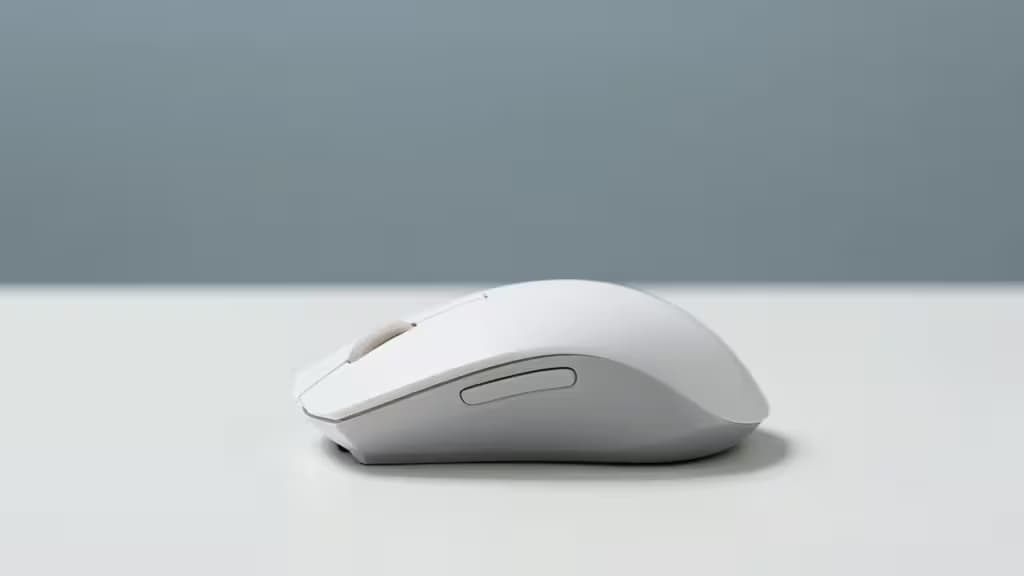
If your wrist aches after a long day of mousing, the culprit is often pronation — the way a flat mouse forces your forearm to rotate palm-down, compressing the narrow carpal tunnel in your wrist and pinching the median nerve inside it.3 A vertical mouse flips that idea on its side, rotating your hand into a neutral "handshake" position that opens the tunnel back up and takes pressure off the nerve.2
The good news: you don't need to spend $100 to get there. The Logitech MX Vertical ($75) remains the gold standard, but strong alternatives exist from $18 to $45 that mirror its 57° handshake angle, add USB-C charging, and even let you adjust the tilt. Here are the things actually worth buying if carpal tunnel is driving you up the wall.
What Matters Most
Grip angle is the single most important spec. Sources consistently rank it above sensor quality, button count, or brand. A 57° tilt — the angle Logitech derived from its "natural handshake" research — reduces forearm muscle activity by roughly 10% compared to a flat mouse.1 Ergonomics Nerd recommends looking for at least 60° to meaningfully reduce pressure on the median nerve.3
Wireless matters more than you'd think. Cable drag forces you to grip harder, and gripping harder compresses the carpal tunnel. A wireless mouse removes that extra force entirely.3
USB-C rechargeable beats swappable batteries for daily-driver convenience, though budget picks that run on AAs are still legitimate if you just want to test the vertical concept cheaply.
The Picks
1. DELUX Ergonomic Vertical Mouse Wireless — Best Overall
~$35–40 · Check price
The DELUX mirrors the Logitech MX Vertical's 57° angle and body proportions at roughly half the price, then adds USB-C charging, Bluetooth + 2.4G dual-mode connectivity, and quiet clicks. The MX Vertical is still the better mouse — fully programmable buttons, Logitech software, broader device support6 — but if your budget caps at $100 and you want the most MX-Vertical-like experience without paying MX Vertical money, this is the pick. The dual-mode wireless means you can pair it with a laptop over Bluetooth and a desktop over the USB dongle without re-pairing.
2. Anker Vertical Wireless Mouse — Best Budget / Entry Pick
~$18–25 · Check price
Same 57° handshake angle as mice costing three times as much, adjustable 800/1200/1600 DPI, and simple 2.4G wireless via a USB dongle.1 At its usual sub-$30 price, it's the cheapest legitimate way to find out whether vertical works for your hand before committing to a pricier model.1 The trade-offs are real: no Bluetooth, no rechargeable battery (it runs on AAs), and no software customization.6 But if you've never tried a vertical mouse and want to spend as little as possible to test the concept, start here.
3. Lekvey Wireless Ergonomic Mouse — Most Reliable Wireless
~$35–40 · Check price
The Lekvey shares the 57° angle and USB-C rechargeable design of the DELUX but prioritizes a rock-solid 2.4GHz connection over Bluetooth multi-device switching. If you've been burned by Bluetooth dropouts — or you simply want plug-and-play simplicity with no pairing headaches — the Lekvey's dongle-only approach is a feature, not a limitation. It's the pick for users who value connection stability above all else.
4. Adjustable Angle Vertical Mouse — Best for Custom Fit
~$40–45 · Check price
Every other pick on this list locks you into a fixed angle. This one lets you dial the tilt from 45° to 70°, which matters more than it sounds: grip angle is the most important spec for carpal tunnel relief,1 and the angle that works for your wrist depends on your hand size, desk height, and grip style. Add Bluetooth + 2.4G dual connectivity, 4800 DPI, and USB-C charging, and it's the most feature-rich pick here for under $45. The trade-off is build quality — adjustable hinges are inherently less rigid than fixed shells — but if you've tried a fixed-angle vertical mouse and it didn't quite fit, this is your next step.
5. Lekvey Left-Handed Ergonomic Mouse — Best for Lefties
Under $35 · Check price
Nearly every vertical mouse on the market is right-hand-only, which leaves left-handed carpal tunnel sufferers in a tough spot. The Lekvey Left-Handed is a rare true left-handed vertical design with quiet clicks and three DPI levels. It's not as feature-rich as the right-handed picks — no Bluetooth, no adjustable angle — but it solves a problem that almost no other sub-$100 mouse addresses. If you mouse left-handed, this is your pick, full stop.
How They Compare
| Grip Angle | Connectivity | Power |
|---|
| DELUX | 57° fixed | Bluetooth + 2.4G | USB-C rechargeable |
| Anker | 57° fixed | 2.4G only | AA batteries |
| Lekvey | 57° fixed | 2.4G only | USB-C rechargeable |
| Adjustable | 45–70° adjustable | Bluetooth + 2.4G | USB-C rechargeable |
All five use the 57° "handshake" angle except the adjustable model, which lets you set it yourself. The key differentiators come down to connectivity (Bluetooth dual-mode vs. dongle-only), charging (USB-C vs. AA), and hand orientation. The DELUX and Adjustable model offer the most features; the Anker is the bare-minimum entry point; the Lekvey Left is the only option for southpaws.
The Bottom Line
If you want one recommendation: the DELUX gives you the most MX-Vertical-like experience under $40, with dual-mode wireless and USB-C charging. If you're not sure vertical is for you, spend $18 on the Anker first. If you need a custom angle, get the Adjustable. And if you mouse left-handed, the Lekvey Left is essentially your only good option under $100.
Recomate may earn a commission when you buy through the links above. That doesn't change our rankings — we test and cite, then make a call.