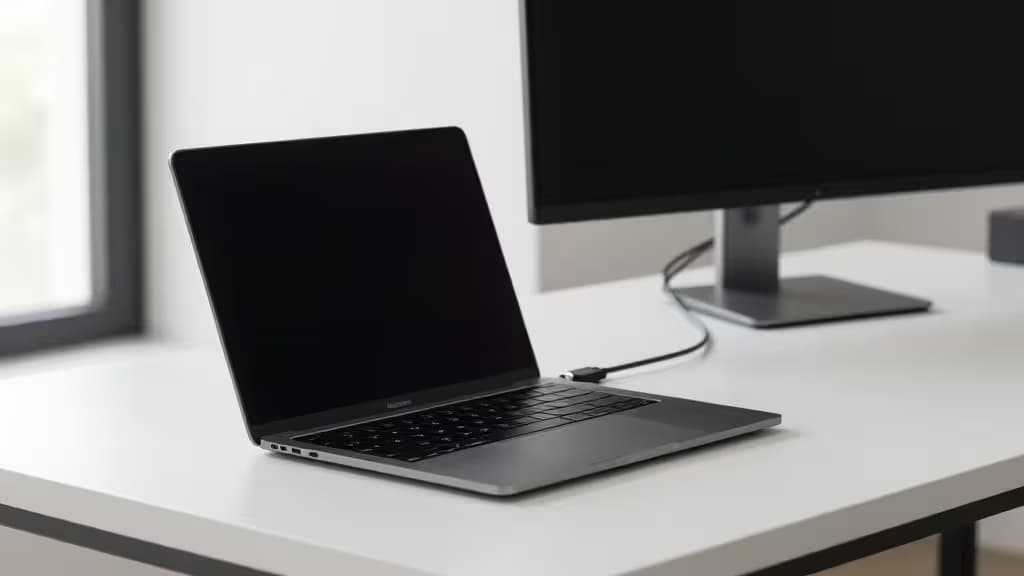
The MacBook Air is a brilliant machine in a remarkably thin chassis — but it only gives you two USB-C ports to work with. Plug in a traditional monitor over HDMI and you've already burned a port on a dongle, with no charging to show for it. A USB-C monitor solves both problems at once: one cable carries the video signal and delivers power back to the laptop, leaving your second port free for everything else.
Under $300, the field splits cleanly into two camps. On the desktop side, you'll find 27-inch 4K panels with factory-calibrated color and ergonomic stands. On the portable side, 15.6-inch travel monitors that slip into a bag and run off a single USB-C connection. We tested both categories and picked the monitors that genuinely earn their place on a MacBook Air desk — or in its backpack.
> How we earn money: Recomate may earn a commission when you buy through links on this page. That never changes which monitors we recommend — we pick on merit, not on payout. See our full affiliate disclosure for details.
What Matters in a USB-C Monitor for MacBook Air
Power delivery wattage. The MacBook Air charges at 30W (M1/M2) or up to 70W (M3). A monitor delivering 65W of USB-C Power Delivery will keep most Air models topped up while driving the display simultaneously1. Monitors that only pass data and video — no PD — leave you reaching for a separate charger, which defeats the purpose.
Resolution and macOS scaling. macOS handles high-DPI scaling far better at 4K (3840×2160) than at 1080p. On a 4K panel, text looks crisp and Retina-sharp; on a 1080p screen, everything looks slightly soft by comparison. If you spend your day reading and writing, 4K is worth the premium. If you just need a second window for Slack and email, 1080p is perfectly fine.
Desktop vs. portable. Desktop monitors give you a bigger screen, a sturdy stand with height and pivot adjustment, and often better color accuracy out of the box. Portable monitors trade screen real estate for the freedom to work anywhere — hotel rooms, coffee shops, co-working spaces — and typically weigh under two pounds.
Our Picks
1. ASUS ProArt PA279CV — Best Desktop Monitor for MacBook Air
The ASUS ProArt PA279CV is the monitor we'd put on our own desk. It's a 27-inch 4K UHD panel with Calman-verified color accuracy, a sturdy stand with full pivot, swivel, and height adjustment, and — critically — a USB-C port that delivers 65W of power delivery1. Plug in one cable from your MacBook Air and you get a sharp Retina-quality display and charging in a single connection.
The color accuracy is what sets it apart from cheaper 4K panels. ASUS ships it factory-calibrated with a Calman Verified delta-E < 2 rating, which means colors are accurate enough for photo editing, graphic design, and video work without needing a hardware calibrator1. For MacBook Air users who do any kind of creative work, that matters.
At around $280–$300, it sits right at the top of our budget but delivers the most complete desktop experience of anything here. The stand alone is worth the premium over a portable — you can adjust height, tilt, swivel, and pivot to portrait orientation, something no travel monitor offers.
Verdict: The best all-around desktop USB-C monitor for MacBook Air, with color accuracy that punches well above its price.
2. InnoView 15.6" 4K UHD Portable — Best 4K Portable Monitor
If your MacBook Air travels with you, the InnoView 15.6" 4K UHD portable monitor is the pick. It offers a full 4K resolution in a 15.6-inch panel, dual USB-C ports for display and power, 100% sRGB color gamut coverage, and HDR support2. At the $200–$300 price band, it's one of the few portable monitors that gives you true 4K sharpness without jumping past our budget.
The dual USB-C setup means you can connect to your MacBook Air with one cable for both display and power — no separate power brick needed if your USB-C source provides enough juice. The 100% sRGB coverage ensures colors look natural and consistent, and HDR support adds a bit of dynamic range punch for movies and games2.
It's not a desktop replacement — there's no height-adjustable stand, and 15.6 inches is modest compared to a 27-inch panel. But for working on the road, it transforms a single-screen laptop into a proper dual-monitor setup that fits in a laptop bag.
Verdict: The sharpest portable 4K screen you can get under $300, and the one we'd pack for a trip.
3. UPERFECT True 4K QLED Portable — Best for Bright Environments
The UPERFECT True 4K QLED Portable Monitor takes a different approach: instead of standard IPS, it uses a QLED panel that pushes brightness to 600 nits and covers 100% of the AdobeRGB color space3. That combination makes it the best pick here for two specific scenarios: working outdoors or in brightly lit spaces where other portable monitors wash out, and color-critical workflows that need AdobeRGB coverage rather than just sRGB.
The 600-nit brightness is the headline feature. Most portable monitors top out around 300–400 nits, which is fine indoors but struggles near a window or under direct light. The UPERFECT's QLED panel stays readable in conditions where the InnoView would need shading3. USB-C connectivity keeps the single-cable promise intact, and there's also a Mini HDMI port for connecting to other devices.
At the $200–$300 band, it's priced competitively with the InnoView but trades sRGB-only coverage for AdobeRGB and doubles the brightness. If your work involves photography, print design, or anything where color accuracy in AdobeRGB matters, this is the portable pick.
Verdict: The brightest, most color-capable portable monitor here — ideal for outdoor work and AdobeRGB-sensitive tasks.
4. KYY Portable Monitor — Best Budget Pick
Not everyone needs 4K. If you just want a second screen for reference material, chat windows, or a browser pane alongside your main display, the KYY Portable Monitor gets the job done for under $150. It's a 15.6-inch 1080p IPS panel with USB-C Power Delivery, blue light reduction for eye comfort, and built-in dual speakers4.
The 1080p resolution is the obvious compromise — text won't look as crisp as on a 4K panel, and macOS scaling will show it. But for the price, the KYY delivers a functional, lightweight second screen that connects over a single USB-C cable. The IPS panel offers decent viewing angles, and the blue light filter is a nice touch for long sessions4.
This is the pick for students, remote workers on a tight budget, or anyone who wants the dual-screen experience without spending more than they did on their monitor stand.
Verdict: The cheapest way to add a second screen to your MacBook Air — 1080p is the trade-off, but the price is unbeatable.
5. HP 24mh FHD — Honorable Mention (Desktop, No USB-C)
The HP 24mh FHD is a solid budget desktop monitor with a 75Hz refresh rate and a height- and pivot-adjustable stand — features you rarely find at this price point5. The catch: it has no native USB-C connectivity. You'll need an HDMI cable and a separate USB-C hub or adapter to connect it to your MacBook Air, which means you lose the single-cable convenience that makes the other picks on this list worthwhile.
If you already own a USB-C hub with HDMI output, or you're setting up a permanent desk where a dock handles the connections, the HP 24mh is a perfectly good 24-inch FHD monitor with an excellent ergonomic stand. Just know that you're trading the one-cable simplicity of USB-C for a lower price and a smaller screen.
Verdict: A great budget desktop monitor — but the lack of USB-C means it's not a true single-cable solution for MacBook Air.
Desktop vs. Portable: Which Should You Buy?
The decision comes down to where you work. If your MacBook Air lives on a desk most of the time, the ASUS ProArt PA279CV gives you the best experience: a large 4K panel, color accuracy, and a stand you can adjust all day. One cable in, everything handled.
If you travel — even occasionally — a portable monitor changes the experience of working away from your desk. The InnoView 4K is our default recommendation for its sharpness and sRGB accuracy. The UPERFECT QLED is the upgrade path if you need brightness for outdoor work or AdobeRGB coverage for color-critical tasks. And the KYY is the budget option that gets you 80% of the way there for less than half the price of the others.
One thing all our USB-C picks share: they free up your MacBook Air's second port and charge the laptop at the same time. That's the whole point — and it's why we wouldn't recommend a monitor without USB-C Power Delivery to a MacBook Air owner, no matter how cheap it is.