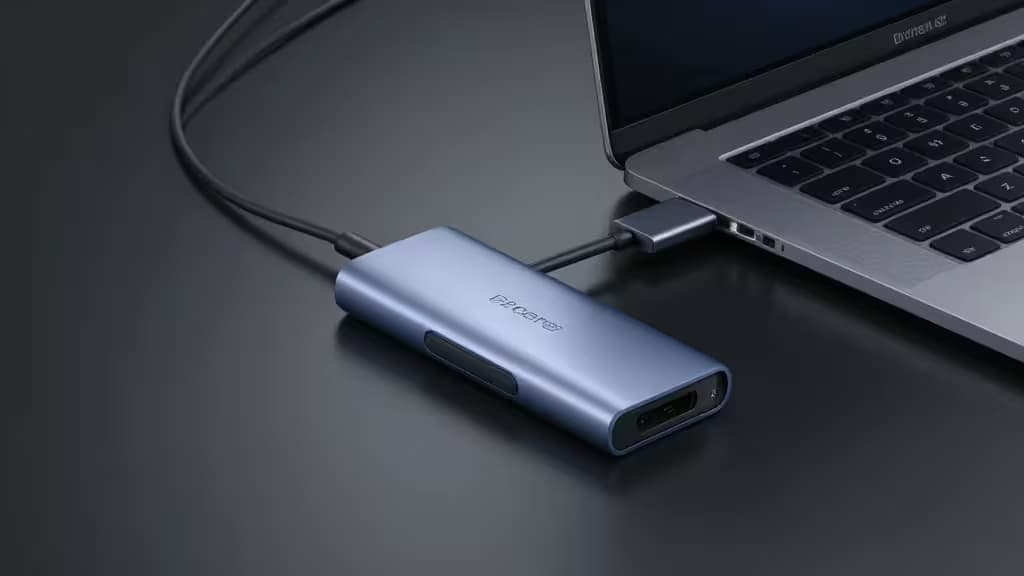
Dell XPS laptops — whether the 13, 14, or 15 — are built for portability first. The trade-off is stark: typically just two or three USB-C / Thunderbolt ports and nothing else. No HDMI, no SD card slot, no Ethernet. A sub-$50 USB-C hub restores the connectivity Dell left out, and the right one can even keep your laptop charged while docked.
What matters for a Dell XPS hub
Power Delivery passthrough. This is the single most important spec for XPS owners. The XPS 13 needs at least 45W to charge while in use; the XPS 15, with its larger battery and discrete GPU on some configs, ideally wants 85W or more. A hub with low PD passthrough will let your battery drain even while plugged in. Every pick here supports at least 85W passthrough.1
4K HDMI. Dell XPS USB-C ports support DisplayPort Alt Mode and USB PD, so any standard USB-C hub works for driving an external monitor. Most hubs in this price range output 4K at 30Hz; a few manage 4K at 60Hz for smoother desktop use.5
Ethernet. Wi-Fi is fine for most tasks, but a wired Gigabit connection is still the best option for large file transfers, video calls, and stable downloads. Not every hub includes it — check before you buy if you need it.
Port count vs. port type. More ports isn't always better if they're the wrong ports. Think about what you actually plug in: HDMI for a monitor, USB-A for older peripherals, SD for photography, Ethernet for networking.
Thunderbolt docks cost $150+ and offer features most people don't need. The hubs below cover 90% of what an XPS user actually wants at a third of the price.
The Picks
1. Anker 555 8-in-1 — Best Overall
The Anker 555 hits the sweet spot for Dell XPS owners. It delivers 85W of power delivery passthrough — enough to keep an XPS 15 charged under typical load — alongside 4K HDMI, Gigabit Ethernet, SD and microSD card slots, and USB-A ports.1 Anker's build quality and warranty support are consistently reliable, and the hub frequently lands under $50 on sale. If you want one hub that covers every gap in your XPS's port selection, this is the one actually worth buying.
2. Anker 341 7-in-1 — Best Build Quality
The Anker 341 trades Ethernet for a slimmer, sturdier aluminum body that feels more premium than its ~$40 price suggests.2 You still get 4K HDMI, USB-C PD charging passthrough, and SD/microSD readers. It's the pick for XPS users who don't need wired networking but want something that'll survive daily bag travel without complaint.
3. EZQuest 8-Port — Best Port Variety
If you want the most ports and the highest power delivery in one package, the EZQuest 8-Port delivers 100W PD passthrough — the highest in this group — along with Gigabit Ethernet, 4K@30Hz HDMI, and clearly labeled ports that make it easy to identify what goes where.3 At ~$46, it's a strong value for power-hungry XPS 15 configurations that need every watt they can get.
4. Dockteck 7-in-1 — Best for Travel
The Dockteck 7-in-1 is the slimmest hub in this lineup, designed for XPS users who live out of a bag. It offers 92W PD passthrough, Gigabit Ethernet, and HDMI in a compact profile that barely adds bulk to a laptop sleeve.4 At $40–50, it's priced alongside the Anker 555 but wins on portability if Ethernet on the go matters to you.
5. Ugreen Revodok Pro 6-in-1 — Best Budget Value
At $16–20, the Ugreen Revodok Pro is the standout budget pick. It's the only hub here that outputs 4K at 60Hz — meaning smoother external-display performance — and pairs that with 10Gbps USB 3.2 Gen 2 data transfer and 85W PD passthrough.5 You give up Ethernet, but for XPS users who just need HDMI, fast USB, and charging in a slim metal body, the value is hard to beat.
How They Compare
| Hub | PD Passthrough | HDMI | Ethernet | Price |
|---|
| Anker 555 8-in-1 | 85W | 4K HDMI | Gigabit | $35–60 |
| Anker 341 7-in-1 | PD passthrough | 4K HDMI | No | ~$40 |
| EZQuest 8-Port | 100W | 4K@30Hz | Gigabit | ~$46 |
| Dockteck 7-in-1 |
The Anker 555 wins on reliability and completeness — Ethernet, 85W PD, and 4K HDMI in one package. The Anker 341 is the no-frills durable choice. EZQuest offers the most ports and the highest PD wattage. Dockteck is the travel pick. And the Ugreen Revodok Pro is the budget standout, uniquely offering 4K@60Hz at a fraction of the others' price.
Recomate may earn a commission when you purchase through links on this page. This does not influence our rankings — we recommend products based on features, reliability, and value.