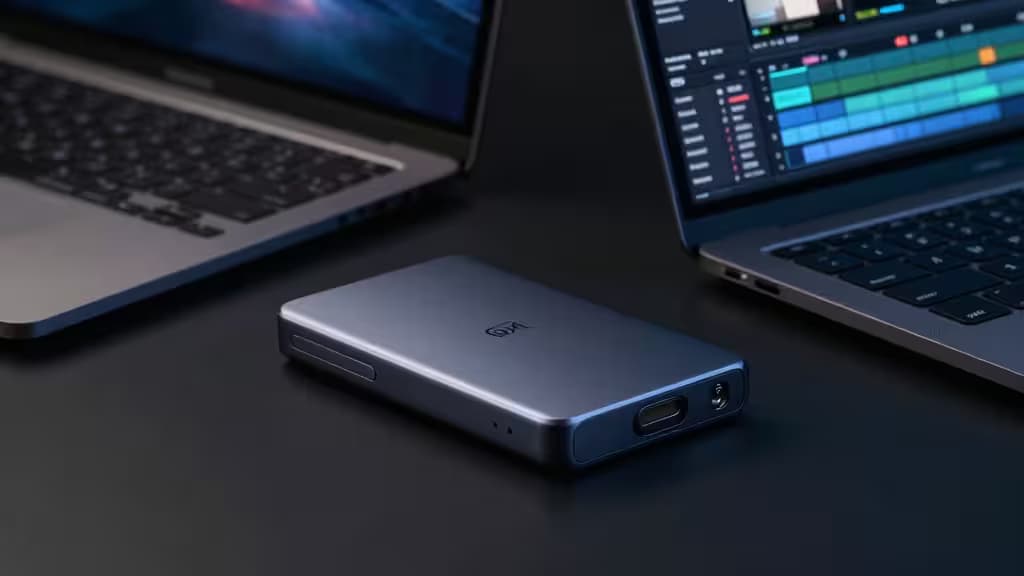
Video editing is unforgiving when it comes to storage. A drive that drops frames mid-timeline or takes twenty minutes to offload raw footage isn't just annoying — it's a tax on your time. The good news: you don't need to spend a fortune to get a portable SSD that keeps up with 4K workflows. Under $200, a handful of USB-C drives deliver 1,000+ MB/s reads, rugged builds, and enough capacity — 1TB is the sweet spot — for active projects.
We compared four drives that fit the bill, looking at sustained write performance, durability ratings, and real-world value for editors. Here's what stood out.
We may earn a commission when you buy through links on this page. Our recommendations are independent and based on product research.
What Matters for Video Editing
Sustained write speed, not peak read. Manufacturers love to advertise sequential read numbers, but video editing is a write-heavy workload — rendering, caching proxies, offloading footage from a camera card. A drive that hits 1,050 MB/s on a burst read but throttles to 400 MB/s after 30 seconds of sustained writes will bottleneck your timeline. Check sustained write specs, not just the headline number.
USB port compatibility. USB 3.2 Gen 2 (10 Gbps) is the baseline for ~1,000 MB/s transfers, and it's what most modern laptops offer1. USB 3.2 Gen 2x2 (20 Gbps) doubles that ceiling, but only on ports that explicitly support it — and you'll need the right cable to see those speeds2. Plug a Gen 2x2 drive into a standard Gen 2 port and you'll get Gen 2 performance. Know what your workstation supports before paying for burst.
Cable quality. It sounds trivial, but the included cable — or a cheap replacement — can cap your real-world throughput well below the drive's rated speed. Use the cable in the box, or buy a certified USB-C cable rated for your drive's protocol.
Our Picks
1. SanDisk Extreme Portable SSD Gen 2 — Best Overall
The professional default for field editors, and for good reason. The Gen 2 hits 1,050 MB/s read and 1,000 MB/s write over USB 3.2 Gen 2, with an IP55 rating for dust and water resistance and a built-in carabiner loop for clipping to a bag1. At 1TB, it sits comfortably under $200 — and the rugged shell means it survives the kind of abuse that field shoots dish out.
If you're editing 4K footage on a laptop and need one drive that goes from desk to trail to studio without complaint, this is the one. The sustained write performance holds up under real-world video workloads, and the IP55 rating means a sudden rain shower won't end your shoot.
2. Sabrent Rocket Nano V2 — Best for Burst Transfers
Barely larger than a thumb drive, the Rocket Nano V2 is the drive you reach for when you're shuttling large raw files between fast workstations. It supports USB 3.2 Gen 2x2, which means burst transfers up to ~2,000 MB/s on compatible ports — double what standard Gen 2 drives can manage2. That speed comes with a caveat: you need a host with a Gen 2x2 port and a matching cable to see those numbers. On a standard Gen 2 port, it performs like any other 1,000 MB/s drive.
For editors working between a desktop with Gen 2x2 ports and a laptop with standard Gen 2, the Sabrent gives you burst speed when you need it and full compatibility everywhere else. The ultra-compact form factor means it fits in a pocket — no excuses for leaving it behind.
3. LaCie Mobile SSD — Best for Encryption and Style
The creative-industry favorite, and the most stylish drive in this lineup. The LaCie Mobile SSD delivers 1,050 MB/s reads in a sleek aluminum housing with shock resistance and AES-256 hardware encryption3. At list price it sits slightly above $200, but it's frequently discounted into budget range — worth watching for sales.
The encryption is the differentiator. If you're carrying client footage or sensitive material, AES-256 hardware encryption gives you peace of mind that a lost drive doesn't become a data breach. The aluminum shell looks the part on a creative desk, and the shock resistance adds a layer of physical durability. It's the drive for editors who want security without sacrificing speed.
4. SanDisk Extreme Portable SSD (Original) — Best Budget Fallback
When the Gen 2 is out of stock or priced above your budget, the original SanDisk Extreme Portable SSD is a solid fallback. It shares the same rugged DNA — compact, durable, with a carabiner loop — at a mid-range price point4. You give up some peak speed compared to the Gen 2, but for editors who need reliable, rugged storage without pushing the budget, it gets the job done.
Think of it as the same philosophy as the Gen 2, just a step behind on the spec sheet. If your workflow doesn't demand the absolute fastest writes and you'd rather save some cash, this is your drive.
The Bottom Line
All four drives hit roughly 1,000 MB/s over USB 3.2 Gen 2, with the Sabrent pulling ahead only on Gen 2x2 hosts2. SanDisk wins on durability with its IP55 rating1; LaCie wins on encryption and aesthetics3; Sabrent wins on portability and peak burst speed2. For most video editors, the SanDisk Extreme Gen 2 at 1TB is the sweet spot — fast enough, rugged enough, and priced right. If you need encryption, step up to the LaCie. If you need burst speed and have the ports to support it, grab the Sabrent. And if budget is the priority, the original SanDisk Extreme won't let you down.
One final note: pricing and availability shift constantly. We recommend checking current prices before buying — the LaCie in particular is worth waiting for a discount.