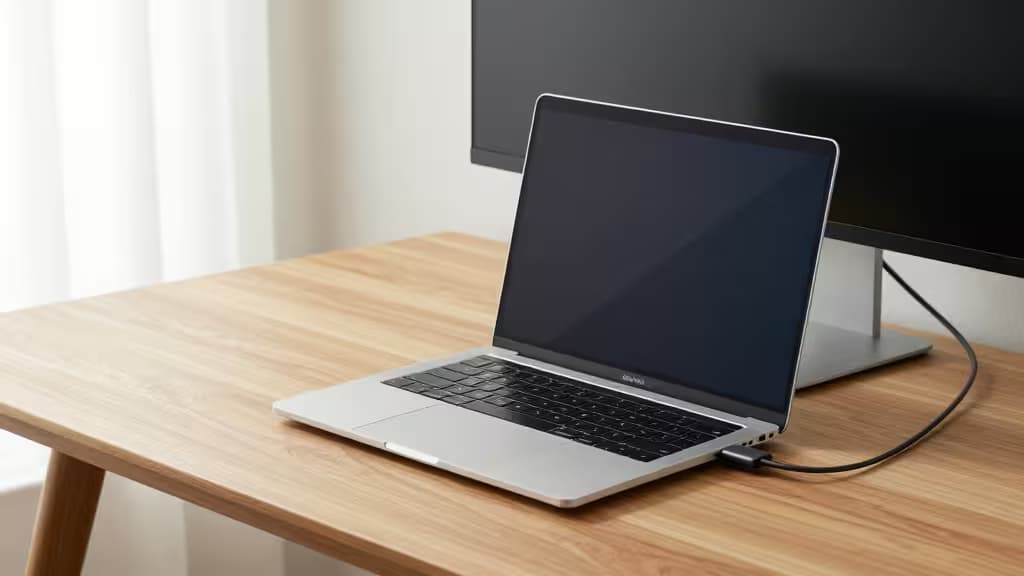
Apple's Studio Display is gorgeous — and priced like it. At $1,599, it's a tough sell when your MacBook Pro already has a stunning Retina panel built in. The good news? Several monitors under $500 deliver the features that matter most to Mac users: USB-C connectivity for a clean single-cable setup, high pixel density to approach Retina sharpness, and solid color accuracy for creative work.
We evaluated five monitors across four key criteria: USB-C connectivity (power delivery plus video in one cable), resolution and pixel density (the closer to Retina's ~220 ppi, the better), color accuracy (sRGB, DCI-P3, or AdobeRGB coverage), and price. Every pick below offers USB-C and strong color specs — the differentiators are in the details.
Disclosure: Recomate earns affiliate commissions on purchases made through links in this article. This does not influence our rankings or verdicts.
1. KTC 27" 5K2K — Top Pick
The best Apple Display alternative under $500.
If your top priority is pixel density that approaches what your MacBook Pro's Retina screen delivers, the KTC 27" 5K2K is the clear winner. Its 5120×2880 resolution at 27 inches produces a pixel density that comes far closer to Retina sharpness than any standard 1440p or 4K panel at this size1. A dual-resolution mode lets you switch between full 5K2K and a scaled 2K mode, adding versatility for different workflows1.
For MacBook Pro users who edit photos, design UI, or simply want text that looks as crisp as it does on the built-in display, this is the monitor to beat at this price point. It's the closest thing to an Apple Studio Display experience without the Apple Studio Display price.
Verdict: Near-Retina pixel density at a fraction of the Apple Display cost. If sharpness is your priority, start here.
2. LG DualUp 28" (28MQ780) — Best for Productivity
Two stacked 21.5" displays in one screen.
The LG DualUp is unlike anything else on this list. Its 16:18 aspect ratio gives you the vertical screen real estate of two 21.5-inch monitors stacked on top of each other — without the bezel gap or the extra desk clamp2. The 2560×2880 Nano IPS panel delivers vibrant color and wide viewing angles, and the included Ergo stand offers height, tilt, and swivel adjustments right out of the box2.
This monitor shines for coders, writers, and anyone who lives in vertically scrolling documents. Reading long code files, reviewing spreadsheets, or keeping a chat window full-height while editing above — the DualUp makes it feel natural. It's frequently found under $500 on sale, making it a strong value for productivity-focused Mac users.
Verdict: A genuinely unique productivity layout. If you've ever wished for two stacked monitors with no seam, this is your answer.
3. UPERFECT True 4K QLED Portable — Best Portable Pick
Color-accurate 4K that fits in your bag.
Not every MacBook Pro user wants a permanent desktop setup. If you travel, work from cafés, or need a second screen on the go, the UPERFECT True 4K QLED Portable is the standout choice. It delivers 4K UHD resolution on a 15.6-inch QLED panel with 600 nits of brightness — bright enough to work near windows3. Color coverage is exceptional at 100% AdobeRGB, making it suitable for photo editing and design work away from your desk3.
USB-C connectivity means a single cable handles both power and video from your MacBook Pro, and the $200–$300 price range makes it one of the most affordable ways to add a color-accurate 4K second screen3.
Verdict: The best portable monitor for MacBook Pro users who need color accuracy on the road. 600 nits and 100% AdobeRGB at this price is remarkable.
4. InnoView 15.6" 4K UHD — Best Budget 4K
4K resolution at a price that's hard to argue with.
If you want 4K sharpness without spending more than $300, the InnoView 15.6" 4K UHD portable monitor is the value play. It offers 3840×2160 resolution with 100% sRGB color coverage and HDR support, designed for seamless laptop expansion4. Dual USB-C ports give you flexibility in how you connect, and the compact 15.6-inch form factor makes it a natural travel companion for a MacBook Pro4.
It won't match the UPERFECT QLED's AdobeRGB coverage or 600-nit brightness, but for everyday productivity, media consumption, and general use where sRGB accuracy is sufficient, it delivers 4K at a price that's difficult to beat.
Verdict: The most affordable path to 4K on this list. If sRGB coverage is enough for your workflow, pocket the difference.
5. UPERFECT 2K Gaming Monitor — Best Mid-Range Desktop Alternative
DCI-P3 color and 144Hz in a 17.3" form factor.
The UPERFECT 2K Gaming Monitor bridges the gap between portable and desktop. Its 17.3-inch panel runs at 2560×1600 with a 144Hz refresh rate — overkill for most Mac workflows, but noticeably smoother for scrolling and UI animations5. The 100% DCI-P3 color gamut matches Apple's own color standard, meaning colors will look consistent between this monitor and your MacBook Pro's built-in display5. VESA mount support means you can attach it to an arm or stand for a more permanent setup5.
It's a solid mid-range option for users who want Mac-matching color accuracy, a larger screen than the portables, and the flexibility to mount it however they like.
Verdict: DCI-P3 color parity with Mac standards and VESA mounting make this a versatile desktop companion. The 144Hz refresh is a bonus.
How We Compared
| Monitor | Resolution | Color Gamut | USB-C | Best For |
|---|
| KTC 27" 5K2K | 5120×2880 | sRGB/DCI-P3 | Yes | Pixel density |
| LG DualUp 28" | 2560×2880 | 98% DCI-P3 | Yes | Productivity layout |
| UPERFECT 4K QLED | 3840×2160 | 100% AdobeRGB | Yes | Portable color work |
|
The bottom line: The KTC 5K2K wins on pixel density and is the closest to a true Apple Display experience under $500. The LG DualUp wins on unique productivity layout. The UPERFECT QLED wins on portability plus color accuracy. The InnoView wins on raw 4K value. And the UPERFECT 2K wins on color gamut matching Mac standards with desktop flexibility. All five connect via USB-C, so you'll never need more than a single cable to power and display from your MacBook Pro.