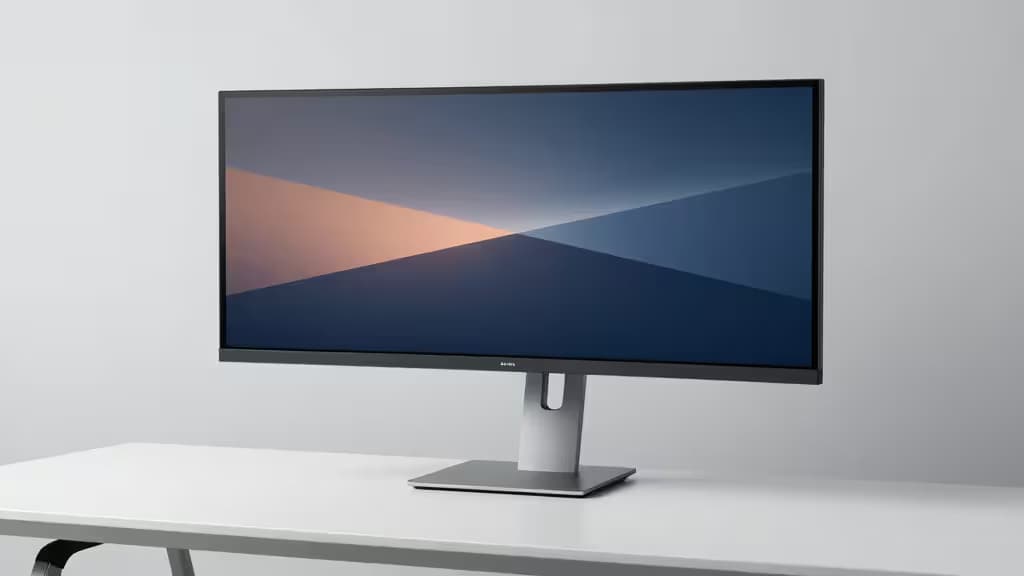
Ultrawide monitors — those sweeping 29″ to 34″ panels that replace a dual-monitor setup — are fantastic for productivity. But they introduce a problem most monitor arms weren't built for: weight and width. A 34″ ultrawide can weigh 15 pounds or more and span nearly three feet diagonally, which means a flimsy arm will sag, wobble, or outright fail to hold position.
The good news? You don't need to spend $150+ to get a mount that handles the job. The key specs to check are weight capacity, screen-size rating, VESA compatibility (75×75 or 100×100mm), and arm reach. Below, we walk through three options that each stay well under $100 while addressing the core ultrawide challenges — weight, width, and wobble.
Note: We may earn a commission when you buy through links on this page. That doesn't influence our picks — we recommend based on specs and fit for ultrawide use.
1. Top Pick: VIVO Single Monitor Desk Mount
If you're mounting a 34″ ultrawide, this is the arm we'd reach for first. The VIVO Single Monitor Desk Mount is rated for screens up to 32″1, which puts it closest to the full ultrawide size range among our picks. Its steel construction delivers high stability — the kind that keeps a wide panel from bouncing every time you type1.
A detachable VESA plate makes installation easier: you attach the plate to the back of your monitor first, then slide it onto the arm. That matters more than you'd think when you're wrestling a heavy ultrawide into position. At under $501, it's also the most affordable way to get a mount you can trust with a big panel.
The bottom line: Best raw size and stability match for 34″ ultrawides, and it costs less than half our budget ceiling.
2. Runner-Up: North Bayou F80 Gas Spring Arm
The North Bayou F80 trades a bit of size ceiling for a much smoother adjustment experience. Its gas spring mechanism allows effortless height and tilt changes — you can reposition your monitor with one hand rather than loosening and retightening bolts2. For users who frequently switch between sitting and standing, or who share a desk, that's a meaningful quality-of-life upgrade.
The trade-off is size: the F80 supports screens from 17″ to 30″2, which makes it ideal for 29″ ultrawides but potentially tight for 34″ models. If your panel is at the larger end, check the actual weight against the arm's rated capacity before committing. At under $502, it's priced identically to the VIVO, so the choice comes down to smoothness versus size headroom.
The bottom line: The pick for 29″ ultrawides if you value one-handed, gas-spring adjustability over maximum size support.
3. Value Pick: HUANUO Single Monitor Arm
The HUANUO rounds out the list with a gas spring of its own plus a feature the other two lack: integrated cable management3. If a clean, wire-free desk aesthetic matters to you, that built-in channel keeps power and display cables tucked along the arm rather than dangling behind your monitor.
It also offers both clamp and grommet mounting options3, giving you flexibility depending on your desk thickness and layout. The catch is the size rating: at 27″ maximum3, it's best suited to smaller 29″ ultrawides — and even then, you should verify your monitor's weight falls within the arm's capacity. For 34″ panels, look to the VIVO instead.
At under $503, it's the most feature-rich option per dollar, provided your panel fits.
The bottom line: Best value if you want cable management and gas-spring adjustment for a smaller ultrawide.
How to Choose
| Max Screen Size | Mechanism | Price Tier |
|---|
| VIVO (Top Pick) | Up to 32″ | Mechanical spring | Under $50 |
| North Bayou F80 (Runner-Up) | 17″–30″ | Gas spring | Under $50 |
| HUANUO (Value) | Up to 27″ | Gas spring | Under $50 |
The decision really comes down to your panel. For 34″ ultrawides, the VIVO's 32″ rating and steel construction give you the best stability margin. For 29″ ultrawides, the North Bayou F80's gas spring makes day-to-day adjustment a pleasure. For smaller ultrawides where cable management matters, the HUANUO delivers the most features at the lowest price.
Whatever you choose, always cross-check your monitor's actual weight and VESA pattern against the arm's rated capacity before buying. An arm that's technically "compatible" but maxed out on weight will still wobble — and nobody wants their $800 ultrawide doing a slow drift toward the desk surface.
Prices and availability were sourced from manufacturer product pages and may change. Always verify current specs before purchasing.