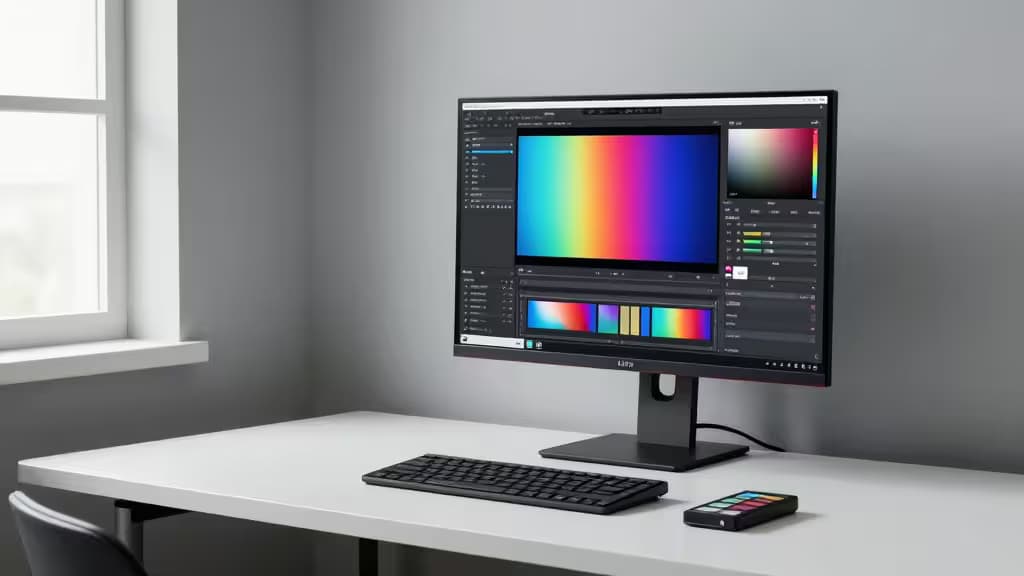
Photo editing doesn't need 240 Hz refresh rates, RGB lighting, or aggressive curve geometry. It needs color you can trust — and under $400, you can get exactly that. Factory-calibrated 4K IPS panels with full sRGB coverage (and sometimes Adobe RGB), USB-C connectivity that charges your laptop while carrying display signal, and ergonomic stands that actually pivot and tilt. The trick is knowing which monitors spend the budget on color science rather than gaming theater.
What Actually Matters for Photo Editing
Three things separate a photo-editing monitor from a generic one:
- Panel type. IPS (or IPS Black) delivers consistent color across viewing angles. TN and VA panels shift hue when you move your head — unacceptable when you're judging skin tones.
- Factory calibration. A monitor that arrives Calman-verified or Delta E < 2 means the colors you see match what your camera captured, without spending extra on a calibration probe.
- Gamut coverage. 100% sRGB is the baseline for web work. 100% Adobe RGB is the bonus that lets you edit for print without nasty surprises at the press.
Refresh rate, response time, HDR peak brightness — all secondary. None of our picks waste your budget on them.
Our Picks
1. ASUS ProArt PA279CV — The Gold Standard for Budget Photo Work
The PA279CV is the monitor we'd recommend first to anyone editing photos on a budget. It's a 27-inch 4K UHD IPS panel with Calman-verified color out of the box — meaning ASUS calibrates each unit before it ships and includes a calibration report.1 At 163 PPI, text and fine detail are crisp without scaling gymnastics. USB-C connectivity delivers power, data, and display signal over a single cable, which matters more than you'd think when your desk is already cluttered with card readers and hard drives. The stand pivots, tilts, swivels, and adjusts height — and yes, it rotates to portrait for editing tall compositions.
If you're buying one monitor for photo editing under $400, this is it.
2. Dell UltraSharp U2723QE — Best for Contrast and Connectivity
The U2723QE uses Dell's IPS Black technology, which delivers deeper blacks and richer shadows than conventional IPS panels — less of that washed-out look that makes dark photos hard to judge.2 It's also a connectivity powerhouse: a built-in USB-C hub with Ethernet, multiple USB-A ports, and DisplayPort daisy chaining lets you run a second monitor from the first without extra cables to your laptop. If your editing workflow involves deep shadows, night photography, or multi-monitor setups, the U2723QE justifies its spot here even though it pushes toward the top of our budget.
3. UPERFECT True 4K QLED Portable — Best for Editing on the Go
Not every editing session happens at a desk. The UPERFECT True 4K is a 15.6-inch QLED portable that hits 600 nits of brightness and covers 100% Adobe RGB — a wider gamut than any desktop pick on this list.3 That makes it surprisingly capable for color-critical work in a form factor that fits in a camera bag. USB-C and Mini HDMI inputs cover most laptops and cameras. The trade-off is screen real estate: at 15.6 inches, you'll be zooming and panning more than on a 27-inch panel. But for travel, client previews, or a second screen beside your main display, it's the portable pick that doesn't compromise on color.
4. KTC 27" 5K2K — Best for Pixel Peepers
The KTC 27-inch 5K2K monitor offers retina-class pixel density at a budget price, with a dual-resolution mode that lets you switch between ultrawide workspace and standard 4K editing layouts.4 For photographers who live at 100% zoom checking focus and noise, the extra sharpness over standard 4K is genuinely noticeable. It's the value play on this list — not as color-verified as the ProArt, not as contrast-rich as the Dell, but sharper than both for the price.
5. InnoView 15.6" 4K — Budget Portable Fallback
The InnoView 15.6-inch 4K portable monitor covers 100% sRGB with HDR support and dual USB-C ports.5 It's the most affordable option here — a solid fallback for light editing on the road or as a secondary reference display. It won't match the UPERFECT's Adobe RGB gamut or brightness, but if your work is primarily web-bound (sRGB output) and budget is the deciding factor, it gets the job done.
The Core Decision: PA279CV vs U2723QE
For most readers, the choice comes down to these two desktop monitors. The ProArt wins on factory color verification — Calman-verified means you can trust the colors immediately, which is the whole point of a photo-editing display. The Dell wins on contrast and connectivity — IPS Black gives you deeper shadows, and the hub/daisy-chain setup is unmatched if you run multiple displays.
Our default recommendation is the ProArt for color-first work. If you edit a lot of dark or high-contrast imagery, or if you need a single-cable multi-monitor setup, the Dell is the better call.
Portables: When to Go Small
The UPERFECT and InnoView serve a different need entirely. They're for photographers who edit on location, travel frequently, or want a calibrated second screen for client previews. The UPERFECT's 100% Adobe RGB coverage is the standout — wider gamut than either desktop pick — but you're trading 27 inches of workspace for 15.6. The InnoView is the budget version of that same idea: sRGB only, but cheaper and still 4K.
Recomate may earn a commission when you buy through links on this page. That doesn't influence our picks — we recommend what we'd buy ourselves.