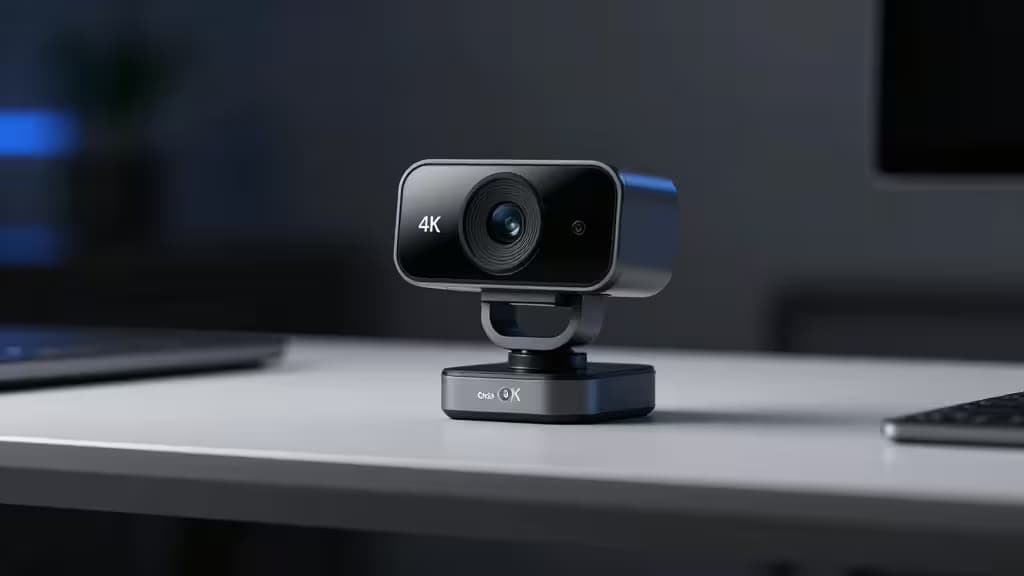
Best 4K Webcams for Streaming Under $100
True 4K webcams under $100 are rare but real. The trick is knowing which ones pack a genuine 4K sensor and which are quietly upscaled 1080p — and then deciding whether 4K at 30fps is actually better for your stream than 1080p at 60fps. Here's what we found.
The $100 4K Reality Check
Most webcams advertised as "4K" under $100 aren't capturing a true 4K image. They interpolate or upscale from a lower-resolution sensor, producing soft footage that looks barely better than 1080p. The credible exceptions in this price band use actual 4K CMOS sensors — and they're worth seeking out.
The other decision you need to make early: 4K/30fps vs. 1080p/60fps. For talking-head streams, 4K/30 delivers crisp detail that holds up on large displays. For fast-motion content — gaming, unboxing, anything with movement — 60fps at 1080p looks noticeably smoother. Neither is universally better; it depends on what you're streaming.
Our Picks
1. AnkerWork C310 — Best All-Around 4K Pick
The AnkerWork C310 is the only webcam in the budget-to-mid range we'd call a genuine 4K sensor pick. It captures true 4K resolution with an adjustable field of view, so you can tighten the frame for solo streams or widen it for group setups.1 A built-in privacy shield covers the lens when not in use, and it drops to 1080p at 60fps when you need smoother motion over resolution.1
That flexibility is what makes it the top call: 4K when detail matters, 1080p/60 when fluidity does. For most streamers working within a $100 budget, this is the webcam that actually delivers on the 4K promise without forcing a compromise.
2. Dell UltraSharp HDR 4K — Best Image Quality (If Budget Stretches)
The Dell UltraSharp HDR 4K sits at the upper end of the price range, and its Sony Starvis CMOS sensor is the reason. Starvis sensors are known for strong low-light performance and dynamic range, and paired with HDR and AI-powered auto-framing, the UltraSharp produces the cleanest image of any pick here.2
Two caveats: the price may push past the $100 ceiling depending on current retail, and there's no built-in microphone.2 If you're already using a separate mic (and most serious streamers are), the absence is a non-issue. If you wanted an all-in-one, look elsewhere.
3. Opal Tadpole — Best 4K for Travel Streamers
The Opal Tadpole takes 4K and shrinks it into a tiny clip-on form factor with USB-C connectivity and HDR.3 It's designed for creators and remote workers who stream from different locations and need something that fits in a pocket rather than a dedicated rig.
The trade-off is that a clip-on this small can't match the sensor quality of a full-size 4K webcam. But for travel streamers who prioritize portability without sacrificing resolution, the Tadpole is the most practical 4K option available.
4. Logitech StreamCam — Best for Streaming (Even Without 4K)
Here's the honest alternative: the Logitech StreamCam isn't 4K. It's 1080p at 60fps — and for many streamers, that's actually the better configuration.4 Higher frame rate means smoother motion, which matters more than pixel count for gaming streams, live demos, and anything with movement.
The StreamCam also supports vertical orientation for mobile-first platforms, connects via USB-C, and ships with Logitech Capture software for scene composition and controls.4 If you've been chasing 4K because it sounds better on paper, seriously consider whether 1080p/60 would serve your stream more.
5. Dell Pro Webcam WB5023 — The 2K Middle Ground
If true 4K pushes past your budget, the Dell Pro Webcam WB5023 offers 2K QHD at 30fps or 1080p at 60fps, with HDR and AI auto-framing.5 It's a sensible compromise — more detail than 1080p, less cost than 4K, and the 1080p/60 mode covers the smoothness gap.
How to Choose
Ask yourself two questions:
- What are you streaming? Talking-head content benefits from 4K detail. Motion-heavy content benefits from 60fps.
- What's your mic situation? The Dell UltraSharp has no mic.2 The others do — but none of these built-in mics rival a dedicated USB mic. Plan accordingly.
The AnkerWork C310 is our top pick because it's the only true 4K sensor that stays within budget and offers a 1080p/60 fallback.1 The Dell UltraSharp is the image-quality leader if you can stretch.2 The StreamCam is the smart pick if you realize 60fps matters more than 4K.4 And the Tadpole is for the streamer who never stays in one place.3
We may earn a commission from links on this page. That doesn't change our recommendations — we only pick the things actually worth buying.