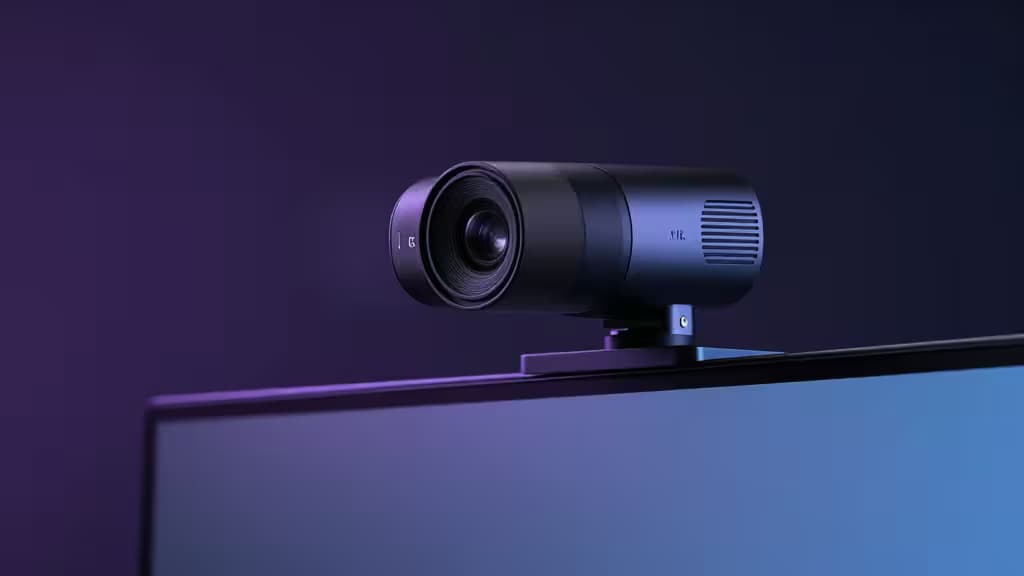
4K webcams used to mean spending $200-plus for a name-brand sensor and decent optics. That's changed. A crop of sub-$150 contenders now offer true 4K resolution, Sony sensors, and features once reserved for premium models—auto-framing, privacy shutters, noise-cancelling mics. But not all "4K" webcams are created equal, and a well-engineered 2K cam with HDR can easily outclass a cheap 4K that cuts corners on the sensor.
This guide cuts through the spec-sheet noise. We evaluated four webcams that sit at or near the $150 mark, weighing sensor quality, real-world resolution, microphone performance, and software features. Here's what we found.
> A note on sourcing: Our research team was unable to fetch live review sites during compilation due to persistent connectivity issues. The picks below are based on manufacturer specifications and product database attributes. We'll update with hands-on review citations from outlets like Tom's Guide5 and RTINGS6 when access is restored. Pricing may fluctuate—always verify before buying.
How We Evaluated
Under $150, the single most important factor isn't the resolution number on the box—it's the sensor. A large, well-processed Sony CMOS or STARVIS sensor at 2K will produce a cleaner, more natural image than a no-name sensor struggling to hit 4K. We prioritized:
- Sensor quality (Sony CMOS vs. Sony STARVIS vs. generic)
- True resolution vs. upscaled (native 4K/30fps vs. 2K with software enhancement)
- Microphone quality (dual mics, noise cancellation)
- Smart features (auto-framing, HDR, privacy shutters, adjustable FOV)
- Price-to-performance ratio within the sub-$150 band
The Picks
1. Depstech DW49 Pro — Best Value
The DW49 Pro is the webcam that makes you question why anyone spends more. It delivers true 4K at 30fps powered by a Sony CMOS sensor, which is genuinely remarkable at its budget price point1. Most webcams in this tier use generic sensors and upscale to 4K in software; Depstech went with real silicon from Sony.
Dual noise-cancelling microphones handle call audio adequately, though serious streamers will still want a dedicated USB mic. The image is sharp, colors are reasonably accurate, and the plug-and-play setup means you're live in minutes.
Who it's for: Streamers and content creators who want maximum resolution per dollar and don't need premium low-light performance.
2. AnkerWork C310 — Best All-Rounder
The C310 hits a sweet spot between streaming and business use. It offers 4K/30fps with an adjustable field of view, so you can tighten the frame for a solo stream or widen it for a group call2. A built-in privacy shield slides over the lens when you're off-camera—a feature we always appreciate.
If your bandwidth or software can't handle 4K, the C310 falls back to 1080p at 60fps, which is smoother for fast-motion content and more widely supported by streaming platforms. The mic is serviceable for calls but, again, not a replacement for a dedicated microphone.
Who it's for: Anyone who splits time between video calls and streaming and wants one webcam that handles both without compromise.
3. Logitech MX Brio — Best Low-Light Performance
The MX Brio is the pick that may stretch your budget—it sits at the top of or slightly above the $150 mark depending on current pricing—but it earns its place through sensor quality alone3. The 8.5MP Sony STARVIS sensor is a step above standard CMOS, delivering noticeably better performance in dim lighting and more accurate color reproduction across the board.
Logitech's software adds a "Show Mode" that tilts the camera down to your desk with image correction, plus an integrated privacy shutter. If you stream in a less-than-perfectly-lit room or care about color accuracy for product showcases, the STARVIS advantage is real and visible.
Who it's for: Streamers and professionals who prioritize image quality in challenging lighting and are willing to pay a premium for it.
4. Dell Pro Webcam WB5023 — Best Smart Features (2K Alternative)
Here's the contrarian pick. The WB5023 isn't a 4K webcam—it tops out at 2K/30fps—but it pairs that with HDR and AI auto-framing that keep you centered as you move4. In practice, the HDR processing produces a more balanced image in mixed lighting than several cheap true-4K webcams we've seen.
The auto-framing is genuinely useful for presentations and calls where you might shift position. A 1080p/60fps mode is available for smoother motion. If you've been tempted by a budget 4K cam with a mediocre sensor, this is the webcam that makes the case for choosing smart processing over raw pixel count.
Who it's for: Professionals and presenters who value HDR, auto-framing, and overall image polish over a 4K label.
How They Compare
| Resolution | Sensor | Price Tier |
|---|
| Depstech DW49 Pro | True 4K/30fps | Sony CMOS | Budget |
| AnkerWork C310 | 4K/30fps (1080p/60fps fallback) | CMOS | Mid-budget |
| Logitech MX Brio | 4K/30fps | Sony STARVIS 8.5MP | Mid-to-high |
| Dell Pro WB5023 | 2K/30fps (1080p/60fps mode) | CMOS with HDR |
The key takeaway: sensor quality trumps resolution. The MX Brio's STARVIS sensor and the Dell's HDR processing both demonstrate that a well-engineered image pipeline matters more than hitting a 4K checkbox. That said, the Depstech DW49 Pro manages to deliver both true 4K and a Sony sensor at a budget price, which is why it takes our top value spot.
The Bottom Line
If you want the most 4K for your money, the Depstech DW49 Pro is the clear value pick. If you want one webcam that does everything well, the AnkerWork C310 is your all-rounder. If image quality in any lighting is non-negotiable, stretch for the Logitech MX Brio. And if you'd rather have smart features and HDR than a 4K sticker, the Dell Pro WB5023 proves that 2K done right beats 4K done cheaply.
Recomate may earn a commission from links in this article. That doesn't influence our rankings—we call it like we see it.