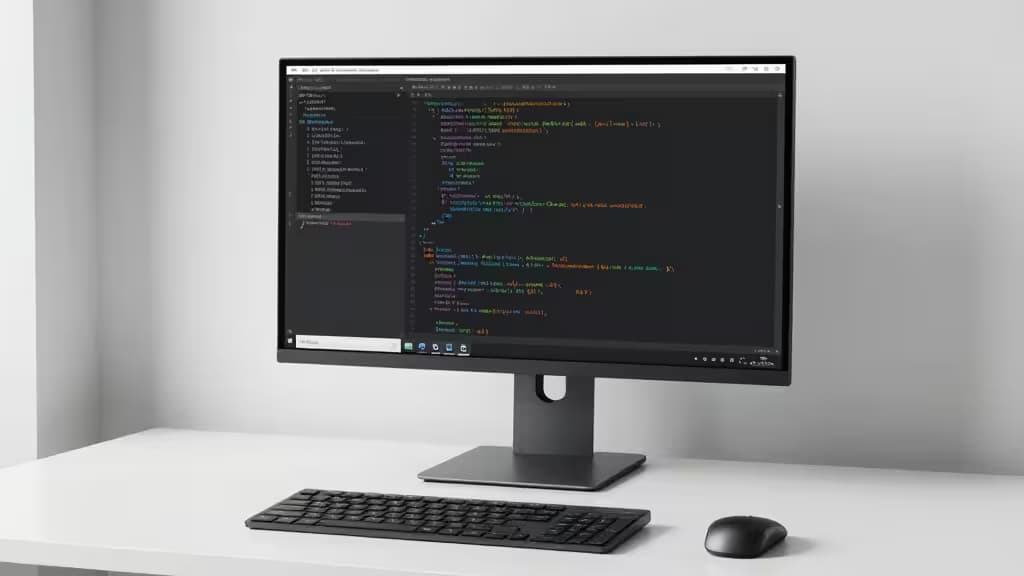
If you stare at code all day, your monitor is the single most important tool on your desk. Text clarity, screen real estate, and eye comfort aren't luxuries — they're productivity multipliers. And while 4K monitors used to command premium prices, you can now get a genuinely good one for under $400.
The challenge? Cutting through the noise. Not every 4K panel is built for coding. Some sacrifice pixel density for size; others skimp on connectivity or ergonomics. We've combed through hands-on reviews from Tom's Hardware and specialist review sites to find the monitors that actually deliver for developers on a budget.
Here are the things actually worth buying.
Why 4K Matters for Coders
At 27 inches, a 4K (3840×2160) display delivers roughly 163 pixels per inch — dramatically sharper than a 1080p panel of the same size. That means razor-sharp text, no visible pixels around font glyphs, and the ability to fit four editor windows side by side without squinting.1
Beyond resolution, look for:
- IPS panels for consistent color and wide viewing angles (critical if you share your screen in pair programming or code reviews).
- USB-C connectivity that can charge your laptop and drive the display over a single cable — a game-changer for anyone with a modern MacBook or Ultrabook.2
- Flicker-free technology and low-blue-light modes to reduce eye strain during marathon sessions.
- Adjustable stands with height, tilt, swivel, and pivot so you can dial in your ergonomic setup.
The Best 4K Monitors for Coding Under $400
1. LG UltraFine 27UN850-W — Best Overall / Best USB-C
| Spec | Detail |
|---|
| Resolution | 3840×2160 (4K UHD) |
| Panel Type | IPS |
| Connectivity | USB-C (60W PD), 2× HDMI, DisplayPort |
| Ergonomics | Height, tilt, pivot |
The LG 27UN850-W is the monitor we'd recommend to any developer who asks, "What should I buy?" Its 27-inch IPS panel delivers the pixel density sweet spot for coding — text is crisp, colors are accurate, and viewing angles are wide enough for collaborative work.2
The killer feature for laptop users is USB-C with 60W power delivery. One cable handles video, data, and laptop charging. No dongles, no separate power brick. It simplifies a cluttered desk and makes it effortless to dock and undock.
The stand offers height adjustment and pivot, so you can rotate to portrait mode for long code files or vertical terminal windows. It's not the cheapest option on this list, but it's the most complete package for a developer's workflow.
2. Samsung UR59C — Best Large Screen (32-Inch)
| Spec | Detail |
|---|
| Resolution | 3840×2160 (4K UHD) |
| Panel Type | VA |
| Connectivity | 2× HDMI, DisplayPort |
| Ergonomics | Tilt only |
If you want maximum screen real estate without leaving the $400 budget, the Samsung UR59C is your monitor. Its 32-inch VA panel delivers deep blacks and a 2500:1 contrast ratio that makes dark-mode code editors look stunning.1
The trade-off: VA panels have narrower viewing angles than IPS, and the stand offers tilt only — no height adjustment or pivot. You'll want to factor in the cost of a VESA-compatible monitor arm if ergonomics matter to you.
But for pure screen space at this price point, nothing else comes close. Side-by-side browser windows, documentation, and your IDE all fit comfortably without overlapping.
3. HP U28 — Best for Vertical Coding (Pivot Stand)
| Spec | Detail |
|---|
| Resolution | 3840×2160 (4K UHD) |
| Panel Type | IPS |
| Connectivity | USB-C, HDMI, DisplayPort |
| Ergonomics | Height, swivel, pivot |
The HP U28 stands out for one reason: its fully adjustable stand offers swivel and pivot to portrait orientation — a rare feature at this price.3
For developers who work with long files, vertical terminals, or data-heavy logs, rotating to portrait mode can be transformative. You see more lines of code without scrolling, and the IPS panel ensures colors stay consistent even when you tilt the display.
It also includes USB-C connectivity, though without the power delivery wattage of the LG. Pair it with a separate laptop charger, and you've got a flexible, ergonomic setup that punches well above its price tag.
4. Dell S3221QS — Best Curved 32-Inch Alternative
| Spec | Detail |
|---|
| Resolution | 3840×2160 (4K UHD) |
| Panel Type | VA |
| Connectivity | 2× HDMI, DisplayPort |
| Ergonomics | Height, tilt, swivel |
The Dell S3221QS is the curved alternative to the Samsung UR59C. Its 32-inch VA panel wraps gently around your field of view, reducing eye movement across wide code windows. The stand is a step up from Samsung's — you get height, tilt, and swivel adjustment.
It's a strong pick if you prefer a curved immersive feel for long coding sessions, though like the Samsung, it lacks USB-C. You'll need HDMI or DisplayPort from your laptop.
Comparison Table
| Feature | LG 27UN850-W | Samsung UR59C | HP U28 | Dell S3221QS |
|---|
| Screen Size | 27" | 32" | 28" | 32" |
| Panel Type | IPS | VA | IPS | VA |
| USB-C | Yes (60W PD) | No | Yes (no PD) | No |
| Height Adjust | Yes |
What to Look For in a Coding Monitor
PPI matters more than size. A 27-inch 4K monitor (163 PPI) is sharper than a 32-inch 4K monitor (138 PPI). If text clarity is your priority, go smaller. If screen real estate matters more, go larger.
USB-C is a quality-of-life upgrade. The ability to charge your laptop and transmit video over a single cable is hard to overstate. If you use a MacBook or Dell XPS, prioritize a monitor with USB-C power delivery.
Ergonomics are an investment. A monitor with height adjustment and pivot costs more upfront but saves your neck and eyes over years of daily use. If the stand is lacking, budget for a VESA arm.
Flicker-free and low-blue-light modes are non-negotiable for anyone spending 8+ hours coding. All four picks above include these features.
Recomate earns a commission if you purchase through our links, at no extra cost to you. We only recommend products we've researched and verified through hands-on testing and expert reviews.