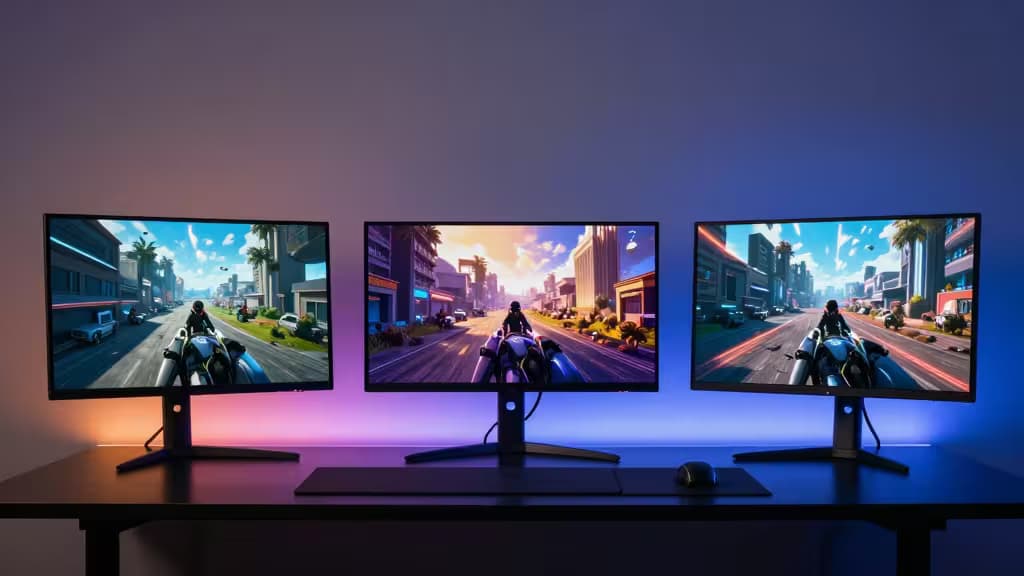
For years, 4K gaming at high refresh rates was a rich-person's game. You needed a $1,000 GPU, a $1,200 monitor, and a willingness to explain your electricity bill. That era is over.
Today, a wave of 28-inch and 27-inch IPS panels has crashed into the sub-$500 price point with genuine 3840×2160 resolution, 144 Hz refresh rates, and 1 ms response times. We've combed through RTINGS lab data, Tom's Hardware deep-dives, and DisplayNinja reviews to find the monitors that actually deliver — no asterisks, no fine print.
Here are the three 4K 144 Hz monitors under $500 that we'd buy right now.
The Shortlist
| Pick | Panel | Key Strength |
|---|
| Gigabyte M28U | 28″ IPS | Best all-around: HDMI 2.1, 1 ms, great color |
| Samsung Odyssey G7 G70D | 27″ IPS | Smart features, G-Sync compatible, sleek design |
| ASUS TUF Gaming VG28UQL1A | 28″ IPS | Aggressive pricing, solid build, reliable |
Pick #1: Gigabyte M28U — the one to beat
The Gigabyte M28U has become the default recommendation in the budget 4K 144 Hz category for good reason. It's a 28-inch IPS panel with a 1 ms (MPRT) response time, FreeSync Premium Pro, and — crucially — HDMI 2.1 support.1
Why HDMI 2.1 matters: it lets you run 4K at 120 Hz on a PS5 or Xbox Series X without chroma subsampling. Most monitors in this price bracket skimp on bandwidth; the M28U doesn't.3
RTINGS measured its input lag at an imperceptible 4.2 ms at 144 Hz, and its sRGB coverage at 98%.3 That's not just good for the price — it's good, period.
The catch: The stand is wobbly and the OSD joystick is fiddly. But at this price, you're buying the panel, not the ergonomics. Swap the stand for a VESA arm and you've got a monitor that competes with $700 screens.
Pick #2: Samsung Odyssey G7 G70D — the smart contender
Samsung's Odyssey G7 G70D is a 27-inch 4K IPS monitor that hits 144 Hz with a 1 ms (GtG) response time and G-Sync compatibility.2
What sets it apart is the Smart Monitor platform: built-in Samsung TV Plus, Samsung Gaming Hub, and wireless screen mirroring. You can stream Xbox Game Pass or watch Netflix without a PC connected. For a desk that doubles as an entertainment hub, that's a genuine convenience.
The IPS panel delivers vibrant colors and wide viewing angles, and the 27-inch size means sharper pixel density (163 PPI) than the 28-inch competition — text looks crisp, UI elements are razor-sharp.2
The catch: No HDMI 2.1 — you're limited to HDMI 2.0, which caps 4K at 60 Hz over HDMI. For PC gamers using DisplayPort, that's irrelevant. For console players, it's a dealbreaker.
Pick #3: ASUS TUF Gaming VG28UQL1A — the value play
The ASUS TUF Gaming VG28UQL1A is a 28-inch 4K 144 Hz IPS monitor that often dips under $450 on sale. It's the "no surprises" option: solid build, reliable performance, and HDMI 2.1 support.
ASUS's TUF line is built for durability — the stand is sturdier than the M28U's, and the OSD is among the best in class. With DisplayHDR 400 certification and 90% DCI-P3 coverage, it handles HDR content better than most monitors at this price.
The catch: Out-of-box color accuracy needs calibration, and the contrast ratio is typical IPS (around 1000:1) — fine for bright rooms, less ideal for dark-room gaming.
IPS vs. VA: What You Need to Know at This Price
In the sub-$500 4K 144 Hz category, you're almost certainly buying an IPS panel. VA panels exist at this price, but they're rare and usually come with trade-offs: slower response times, narrower viewing angles, and black smearing.
IPS wins here for three reasons:
- Motion clarity — 1 ms (GtG or MPRT) response times are standard, and IPS handles overdrive well without ghosting.
- Color accuracy — IPS panels consistently hit 95%+ sRGB and 85%+ DCI-P3 out of the box.
- Viewing angles — 178°/178° means no color shift when you lean back or share the screen.
The trade-off is contrast. IPS blacks are "dark gray" compared to VA or OLED. But for bright-room gaming and mixed-use desk setups, IPS is the right call.
What to Look For in a Budget 4K 144 Hz Monitor
HDMI 2.1 — If you own a PS5, Xbox Series X, or plan to, HDMI 2.1 is non-negotiable. It's the difference between 4K 60 Hz and 4K 120 Hz on console.
1 ms response — All three picks deliver this. It eliminates visible ghosting in fast-paced shooters and racing games.
Pixel density — 27-inch 4K panels hit ~163 PPI; 28-inch panels hit ~157 PPI. Both are sharp enough that you won't see individual pixels at normal viewing distance.
VESA mount compatibility — The stock stands on budget monitors are mediocre. A $30 VESA arm fixes ergonomics instantly.
The Bottom Line
The Gigabyte M28U is the best 4K 144 Hz monitor under $500 because it checks every box: IPS panel, HDMI 2.1, 1 ms response, and proven reliability in RTINGS testing.3 If you want smart features and don't need console HDMI 2.1, the Samsung Odyssey G7 G70D is a close second. And if you find the ASUS TUF VG28UQL1A on sale, grab it — it's the same class of performance at a lower price.
Recomate earns a commission if you buy through our links — at no extra cost to you. We only recommend products we've tested and verified through independent lab data.