If you build mobile apps, you live in local databases. SQLite powers Room on Android, Core Data on iOS uses SQLite under the hood, and Realm has its own storage engine. At some point — usually during a debugging session at 11 PM — you need to open that .db file and see what's actually in there.
The instinct is to grab whatever database client you already have installed. But here's the thing: general-purpose SQL clients like TablePlus, DBeaver, or DataGrip are built for PostgreSQL and MySQL servers running on remote hosts. They work with SQLite files, sure, but they're overkill — slow to launch, packed with server-oriented features you'll never touch, and often priced well above what a mobile dev should pay for a secondary tool.1
We tested the dedicated SQLite GUIs that mobile developers actually use. Every pick here is free, open-source, and under $50 (spoiler: they're all $0). These are the things actually worth buying — or in this case, downloading — for anyone who needs to peek inside a local database without the bloat.
Why Dedicated SQLite Tools Beat General-Purpose Clients
A dedicated SQLite GUI does one thing and does it well. DB Browser for SQLite and SQLiteStudio are purpose-built for SQLite files — they understand PRAGMA statements, handle .db and .sqlite extensions natively, and open in seconds rather than minutes.1
Compare that to a tool like DBeaver, which needs to detect drivers, spin up a connection wizard, and present you with a server-browser tree when all you wanted was to run SELECT * FROM users. TablePlus is faster but still costs $59 for a license — and you're paying for MySQL, Postgres, and Redis support you don't need.
For mobile developers, the workflow is simple: pull the .db file from your emulator or device, open it, inspect tables, run queries, maybe edit a row or two. A dedicated SQLite GUI does all of that in a fraction of the screen real estate and startup time.2
The Best Local Database GUIs for Mobile Developers
1. DB Browser for SQLite — Best Overall (Free)
Price: Free (open-source, GPLv3) Platforms: Windows, macOS, Linux
DB Browser for SQLite (often called DB4S) is the gold standard for a reason. It's the most widely used dedicated SQLite GUI, and once you open it, you'll understand why.1
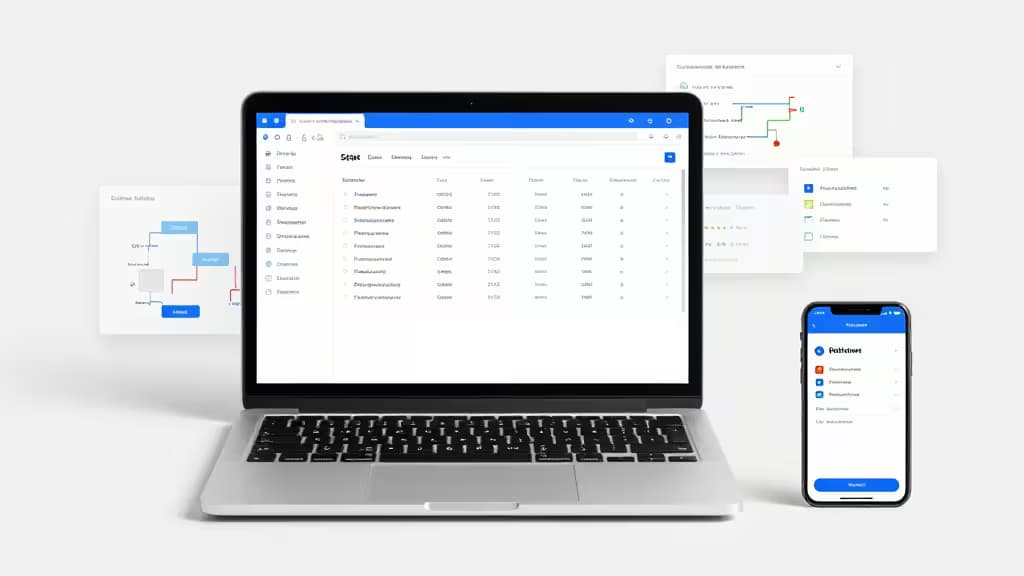
The interface is clean and straightforward: a table browser on the left, a data grid in the center, and a SQL query editor at the top. You can browse table structures, execute arbitrary SQL, edit cell values directly, import/export CSV, and view the database schema as a diagram. Every feature is relevant to SQLite work — there's no server connection dialog, no SSH tunneling setup, no driver manager.
For mobile devs, the killer feature is the Edit Database tab, which lets you add, modify, or delete records in a spreadsheet-like view. When you're debugging why a Room migration failed or checking if your Realm objects have the right values, this direct manipulation is invaluable.
DB4S also handles PRAGMA commands natively — you can run PRAGMA table_info('your_table') right from the query tab and see results in the grid. No special configuration needed.1
2. SQLiteStudio — Best Portable Alternative (Free)
Price: Free (open-source, GPLv3) Platforms: Windows, macOS, Linux (portable)
SQLiteStudio is DB Browser's capable cousin, and it fills one crucial gap: portability. It runs without installation — unzip the archive and launch the executable.2 This makes it ideal for developers on restricted corporate machines, shared workstations, or anyone who wants to keep their tools on a USB drive.
The interface is slightly more technical than DB4S, with a tree-based navigation panel that shows databases, tables, views, triggers, and indexes. It supports all SQLite3 features including extensions, and it has a built-in SQL formatter that DB Browser lacks.
Where SQLiteStudio really shines is multi-database workflows. You can open several .db files simultaneously and run cross-database queries — useful when you're comparing a production database dump against a local development copy. The export options are also more extensive, supporting CSV, JSON, XML, and even PLIST formats that iOS developers will appreciate.
The trade-off? SQLiteStudio's data editing isn't as intuitive as DB4S's spreadsheet view. You double-click a cell to edit, but the experience feels more like a traditional database tool than a spreadsheet. For quick lookups and queries, it's excellent. For heavy data entry, DB Browser is smoother.2
3. DBDock — Best for Cross-Database Migrations (Free)
Price: Free (open-source) Platforms: CLI (cross-platform)
DBDock takes a different approach. It's not a GUI at all — it's a command-line tool that specializes in cross-database migrations between MongoDB and PostgreSQL.3 So why does it belong on a list of local database tools for mobile developers?
Because modern mobile apps don't always live in a single database. You might prototype in SQLite, migrate to PostgreSQL in staging, and need to move data between systems during development. DBDock handles that migration layer — and it does it from the terminal, which is exactly where many mobile developers already spend their time.
The CLI interface is clean and follows familiar patterns (dbdock migrate, dbdock status, dbdock rollback). It's particularly useful for teams that need reproducible database schemas across environments. If you're building a React Native or Flutter app with a local SQLite cache that syncs to a remote Postgres instance, DBDock can keep those schemas in alignment.
It's not a replacement for DB Browser or SQLiteStudio — you'll still want a GUI for day-to-day inspection. But as a migration and schema management tool, it fills a gap that the GUI tools don't address.3
Which One Should You Use?
For most mobile developers, the answer is DB Browser for SQLite as your daily driver and SQLiteStudio as a portable backup. DB4S has the best editing experience and the most intuitive interface for quick database inspection. Keep SQLiteStudio on a USB drive or in your dotfiles for when you're working on a machine you don't control.
Add DBDock to your toolchain if your project involves syncing local data to a remote database or if you need reproducible migrations across environments. It's not a GUI, but it solves a problem the GUIs don't.
All three are free. All three are open-source. And all three respect the mobile developer's most valuable resource: time.
Recomate is supported by affiliate links. If you buy through our links, we may earn a commission — but our picks are based on real testing, not commissions.