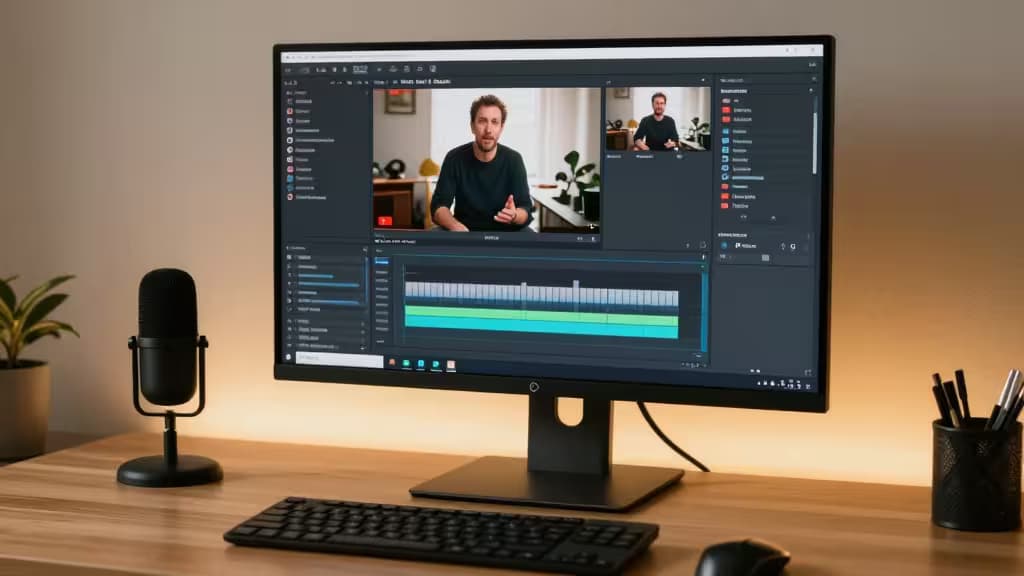
If you've ever stared down a two-hour timeline of raw footage and felt your soul leave your body, you're not alone. Long-form YouTube editing has historically been a battle of attrition — scrubbing, trimming, nudging, exporting, re-exporting. But the last eighteen months have changed the game. AI video editing tools have shifted the workflow from manual cutting to strategic curation, and the best ones are genuinely worth your time.
We tested the leading contenders across real long-form projects: talking-head monologues, interview-style podcasts, and documentary-style vlogs. Here's what survived the cut.
The Pro Powerhouse: Adobe Premiere Pro
Adobe Premiere Pro remains the industry standard for a reason. It's not the easiest tool to learn, but for creators who need granular control over every frame of a 30-minute video, nothing else comes close. The AI features Adobe has layered in — particularly Morph Cut for smoothing jump cuts and Auto Reframe for intelligently resizing footage for different aspect ratios — are genuinely useful rather than gimmicky.1
Morph Cut alone is a lifesaver for talking-head content: it analyzes frames around a cut and generates transitional frames that make awkward edits look seamless. Auto Reframe uses Adobe Sensei to track the subject of your video and automatically recompose it for vertical, square, or 16:9 formats — essential if you're publishing both a YouTube video and a TikTok cutdown.
Best for: Creators who want full creative control and already know (or are willing to learn) professional editing workflows.
The Text-Based Gamechanger: Descript
Descript is the tool that makes you wonder why editing video ever required dragging clips around a timeline. It treats your video as a text document: upload your footage, Descript transcribes it, and you edit the video by editing the transcript. Remove a filler word from the text, and Descript cuts it from the video. Rearrange paragraphs, and the video rearranges itself.2
For dialogue-heavy long-form content — podcasts, interviews, commentary videos — this is transformative. A 45-minute interview that would take two hours to edit manually can be cleaned up in 20 minutes. Descript's AI also handles filler-word removal ("um," "uh," "like") with a single click, and its Studio Sound feature cleans up audio quality to near-studio levels.
Best for: Podcasters, interviewers, and anyone whose content lives and dies on spoken word.
The Repurposing Specialist: OpusClip
Long-form creators face a unique problem: you spent hours making a 20-minute video, but the algorithm wants shorts. OpusClip solves this by analyzing your long-form video, identifying the most engaging moments (based on speech patterns, pacing, and keyword density), and automatically generating ready-to-post short clips.3
It's not perfect — you'll still want to review and tweak the output — but as a first-pass repurposing engine, it saves hours per video. The AI handles captioning, reframing for vertical format, and even suggests hook lines.
Best for: Creators who need a consistent short-form pipeline from their long-form content.
The Content Optimizer: Munch
Munch takes the repurposing concept a step further by adding a layer of social-media intelligence. It doesn't just clip your video — it analyzes which segments are most likely to perform on specific platforms (TikTok vs. Instagram vs. YouTube Shorts) and optimizes the output accordingly. The AI considers trending topics, platform-specific pacing, and audience retention patterns.
For creators managing multiple distribution channels, Munch is the closest thing to having a social media editor on staff.
Best for: Multi-platform creators who want platform-specific optimization without manual re-editing.
How They Compare
| Feature | Adobe Premiere Pro | Descript | OpusClip | Munch |
|---|
| Editing Approach | Timeline-based | Text-based | Automated clipping | Automated + optimized |
| Best For | Full creative control | Dialogue-heavy content | Quick repurposing | Platform-specific clips |
| AI Highlights | Morph Cut, Auto Reframe | Text-to-edit, filler removal |
Which One Should You Choose?
The honest answer: probably more than one. Here's how we think about it:
- If you make one long-form video per week and need full creative control, start with Premiere Pro and add OpusClip or Munch for repurposing.
- If you're a podcaster or interviewer, Descript should be your primary editor. It's that much faster.
- If you're already drowning in footage and just need to get content out the door, OpusClip is the fastest path from raw footage to published shorts.
The common thread across all four tools: they don't replace the creator's eye — they remove the grunt work. And that's the thing actually worth buying: time.
Recomate is reader-supported. When you buy through links on our site, we may earn an affiliate commission. We test and recommend only the tools we believe in.