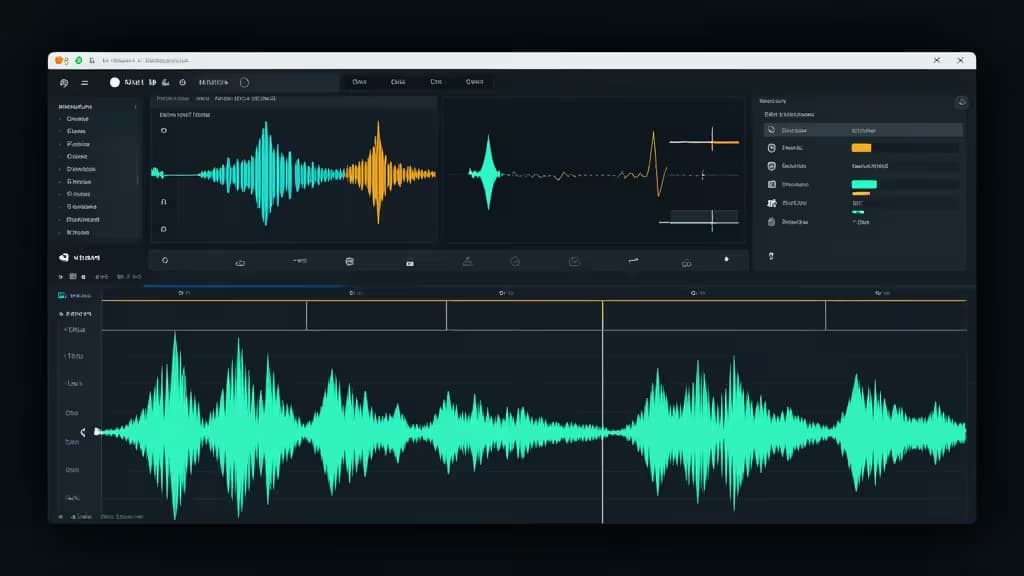
Long-form YouTube creators face a fundamentally different editing challenge than the short-form crowd. A 10-minute talking-head video or a 60-minute podcast episode isn't about flashy transitions — it's about cutting dead air, cleaning up audio, generating accurate captions, and then squeezing additional Shorts out of the footage without spending an entire afternoon in a timeline. The best AI editors for this workflow combine text-based editing, automated silence removal, voice cleanup, and clip repurposing into a single, efficient pipeline.
We evaluated five tools across that exact use case. Some are full non-linear editors with AI bolted on; others are specialized repurposing engines. Here's how they stack up — and which one fits your workflow.
1. Descript — Best All-Rounder for Talking-Head & Podcast Long-Form
Descript's core proposition is simple: edit video by editing text. The transcript becomes your timeline. Delete a sentence in the text, and the corresponding video and audio vanish from the project. For long-form creators who spend most of their time removing filler words, false starts, and tangents, this is dramatically faster than scrubbing a traditional timeline.1
Beyond text-based editing, Descript packs Overdub, a voice-cloning feature that lets you fix flubbed words by simply typing the correction — the AI generates a matching vocal take. An integrated DAW handles multi-track audio, making it equally suited to podcast-to-YouTube workflows. If your content is primarily talking-head or interview-based, Descript is the fastest path from raw recording to published video.
Why it ranks #1: No other tool makes the long-form editing loop this tight. Text-based editing, filler-word removal, and Overdub together eliminate the most tedious parts of the process for the most common YouTube long-form format.
2. Adobe Premiere Pro — Best for Pro-Grade Control
Premiere Pro remains the industry-standard NLE, and Adobe has been layering AI capabilities through its Sensei engine. Text-Based Editing lets you generate a transcript and cut directly from it — similar in spirit to Descript, though inside a far more complex interface. Auto Reframe intelligently repositions subjects when exporting to different aspect ratios, and AI color matching and the Remix audio tool round out the AI-assisted toolkit.2
The trade-off is depth versus speed. Premiere gives you granular control over every frame, every audio channel, and every effect — but that power comes with a steeper learning curve and a subscription that adds up over time. For creators who already live in the Adobe ecosystem (After Effects, Photoshop, Audition), Premiere is the natural center of gravity.
Why it ranks #2: It's the most capable editor on this list, but its AI features are enhancements to a professional workflow rather than a reinvention of it. If you need broadcast-grade control, this is your tool.
3. OpusClip — Best Complementary Tool for Shorts Repurposing
OpusClip isn't a full long-form editor — and that's precisely why it belongs here. Drop in a long-form video and OpusClip's AI automatically identifies the most engaging moments, reframes them vertically, adds captions, and assigns each clip a virality score so you can prioritize what to post.3
For long-form creators, the workflow is powerful: record and edit your full episode in Descript or Premiere, then feed the finished video into OpusClip to generate a week's worth of Shorts. It's a complementary tool, not a replacement — but for creators serious about growing their channel through short-form discovery, it's close to essential.
A similar repurposing tool, Pictory, takes a broader approach by turning blogs and webinars into short clips with stock footage integration.6 Both are worth considering, but OpusClip's virality scoring and auto-reframe give it an edge for YouTube-specific workflows.
Why it ranks #3: It solves a problem the full editors don't — automated repurposing. Pair it with any of the other picks on this list.
4. Wondershare Filmora — Best for Creators Upgrading from Basic Editors
Filmora sits in the sweet spot between consumer simplicity and pro-level capability. Its AI Copilot acts as an in-editor assistant, while Smart Cutout uses AI to isolate subjects, and AI Audio Stretch adjusts music to fit clip duration without pitch distortion. An Instant Mode can auto-generate a rough cut from your clips.4
If you're graduating from iMovie or a phone-based editor and find Premiere or DaVinci intimidating, Filmora is the logical next step. The AI features lower the barrier to producing polished long-form content without requiring you to learn a professional NLE from scratch.
Why it ranks #4: It's the most accessible editor here with genuinely useful AI assists, but it lacks the depth of Premiere or DaVinci for creators who eventually want to push further.
5. DaVinci Resolve Studio — Best Value for Cinematic Long-Form
DaVinci Resolve Studio is the outlier on this list in the best possible way: it's a one-time purchase that includes professional-grade color grading, editing, audio post-production (Fairlight), and visual effects (Fusion). The AI Neural Engine powers Magic Mask for subject isolation and Voice Isolation for cleaning up noisy dialogue — both directly relevant to long-form YouTube workflows.5
The catch is complexity. DaVinci Resolve has a learning curve comparable to Premiere, and its AI features, while powerful, are woven into a deeply professional interface. But for creators who prioritize cinematic image quality and want to avoid perpetual subscription costs, it's hard to beat.
Why it ranks #5: Unmatched value and color-grading pedigree, but the AI features are fewer and the interface more demanding than Descript's streamlined approach.
How to Choose
Pick your primary editor based on workflow, then layer repurposing on top:
- Text-editing speed → Descript. If your content is talking-head or podcast format and you want to move fast, nothing else comes close.
- Professional control → Adobe Premiere Pro or DaVinci Resolve Studio. Premiere wins on ecosystem integration; DaVinci wins on value and color.
- Beginner-friendly AI → Wondershare Filmora. The gentlest learning curve with real AI assistance.
- Shorts repurposing → OpusClip (or Pictory). Add this regardless of which editor you choose above — it's a force multiplier for channel growth.
Disclosure: We may earn a commission from links in this article, at no extra cost to you. Our recommendations are based on product research and editorial judgment, not affiliate placement.