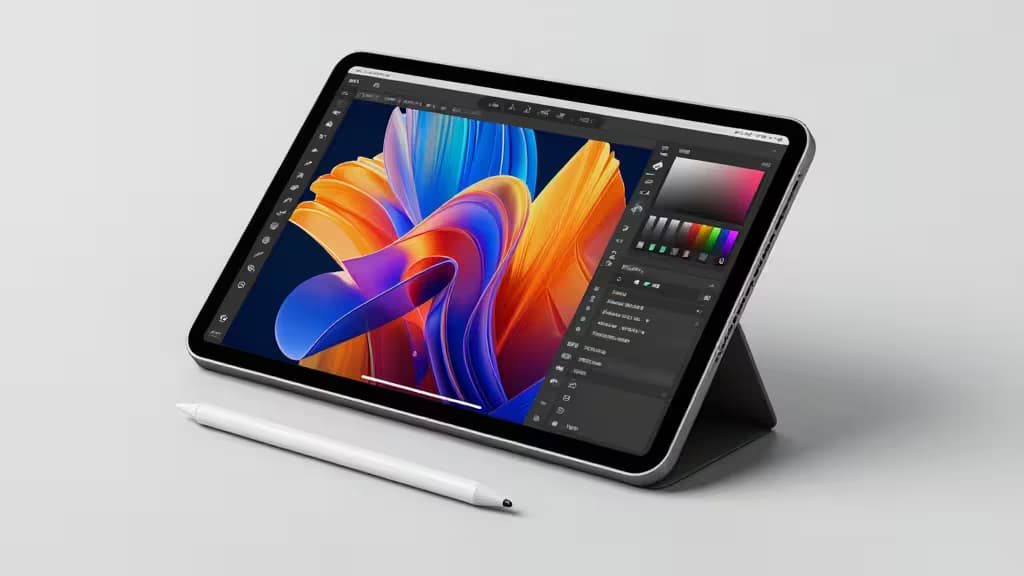
The iPad Pro's M4 chip isn't just a spec-sheet flex. Its 16-core Neural Engine delivers 38 trillion operations per second, and with 16GB of unified memory, the tablet can run 3-billion-parameter language models entirely on-device.1 Pair that with the Apple Pencil Pro and Stage Manager, and you have a legitimate AI content-creation platform — not just a consumption device.
The catch is that not every AI tool takes advantage of what the iPad Pro offers. Some are purpose-built for iOS and feel native under your fingers. Others are web-based but still essential for mobile creators who need to move between phone, tablet, and desktop. We compared the tools that matter most across photo editing, image generation, video repurposing, voiceover, and audio content — the things actually worth buying if your creative workflow lives on a tablet.
Photoroom — Best AI Photo Editor for iPad
Photoroom is the strongest argument for the iPad Pro as a mobile photo studio. With over 300 million downloads and an Apple Editor's Choice designation, it's built specifically for mobile and tablet workflows.3 One-tap background removal works in seconds, and the AI product photography mode generates clean, professional shots without a lightbox. Batch editing processes up to 50 images at once — a genuine time-saver for e-commerce sellers and social content managers.3
The Pro plan runs $7.50/month and includes cross-platform sync across iPhone, iPad, and desktop.3 If you're editing product photos or social media assets on a tablet, this is the tool that gets out of your way.
Verdict: The default choice for mobile photo editing. iPad-native, fast, and purpose-built for the workflows that matter.
Leonardo.ai — Best AI Image Generation on iPad
Leonardo.ai ships a dedicated iOS app that puts serious image-generation models directly on your iPad. You get access to Nano Banana by Google, GPT Image 1 from OpenAI, and Leonardo's own state-of-the-art models, all from a native interface designed for touch.4 Image-to-image enhancement and creative control features let you iterate without leaving the app.
It's free to download and start generating, which makes it the lowest-risk entry point for AI image creation on iPad.4 Where Photoroom excels at editing existing photos, Leonardo.ai is the tool for generating something from nothing — concept art, social graphics, marketing visuals.
Verdict: The best generative AI image tool with a real iPad app. Free to start, with top-tier models under the hood.
OpusClip — Best AI Video Repurposing for Mobile Creators
OpusClip solves a specific problem: you have a long video and need vertical short clips for social. Its AI scans the footage, identifies the strongest moments, and outputs short vertical clips with captions and reframing already applied.2 Over 10 million users have generated 172 million-plus clips through the platform.2
The Virality Score feature predicts how well a clip will perform before you post it — useful for creators who publish daily.2 The Pro plan costs $14.50/month on an annual basis.2 OpusClip is web-based with no native mobile app, so you'll work in Safari on your iPad, but for social-first video workflows it's hard to beat.
Verdict: Essential for turning long-form video into social clips. Web-based, but the output is exactly what mobile creators need.
Murf AI — Best AI Voiceover Tool
Not every creator has a recording booth. Murf AI provides 120+ studio-quality AI voices across 20+ languages, with a built-in editor that lets you customize pitch, speed, pauses, tone, and emotion.5 The free plan includes 10 minutes of voiceover per month; paid plans start at $19/month with full commercial rights.5
It's web-based, so like OpusClip you'll access it through the browser on your iPad. But for creators who need professional narration — explainer videos, product demos, social content — without recording audio themselves, Murf fills the gap cleanly.
Verdict: The most capable AI voiceover tool for creators who need narration without a studio. Web-based, but the output integrates into any mobile workflow.
Castmagic — Best AI Content Repurposing for Audio and Video
Castmagic takes a different approach to repurposing: instead of cutting video clips, it converts a single audio or video upload into ready-to-edit written assets — show notes, titles, timestamps, social captions, newsletters, and pull quotes.6 Record once, extract everything.
For mobile-first podcasters who record on an iPad or phone, this is the post-production layer that turns a raw recording into a full content package. It's web-based, so you'll upload from your device's browser, but the automated output saves hours of manual writing.
Verdict: The best tool for turning podcasts and video recordings into written content. Ideal for creators who record on mobile and need automated post-production.
How They Compare
The most important distinction across these five tools is platform. Photoroom and Leonardo.ai are iPad-native apps that take full advantage of touch input and the Apple Pencil Pro, while OpusClip, Murf AI, and Castmagic are web-based tools accessed through the browser. Both categories have their place in a mobile workflow.
For photo work, the choice is between editing (Photoroom) and generation (Leonardo.ai) — many creators will want both. For repurposing, the split is between video clips (OpusClip) and written assets (Castmagic). And for voice, Murf AI stands alone as the professional narration tool.
The iPad Pro's Neural Engine and on-device model inference capabilities1 make the native apps especially compelling, but the web-based tools earn their spot by delivering output that's essential for social-first and podcast workflows regardless of where you create.
Disclosure: Recomate may earn a commission when you purchase through links on this page. This does not influence our editorial recommendations.