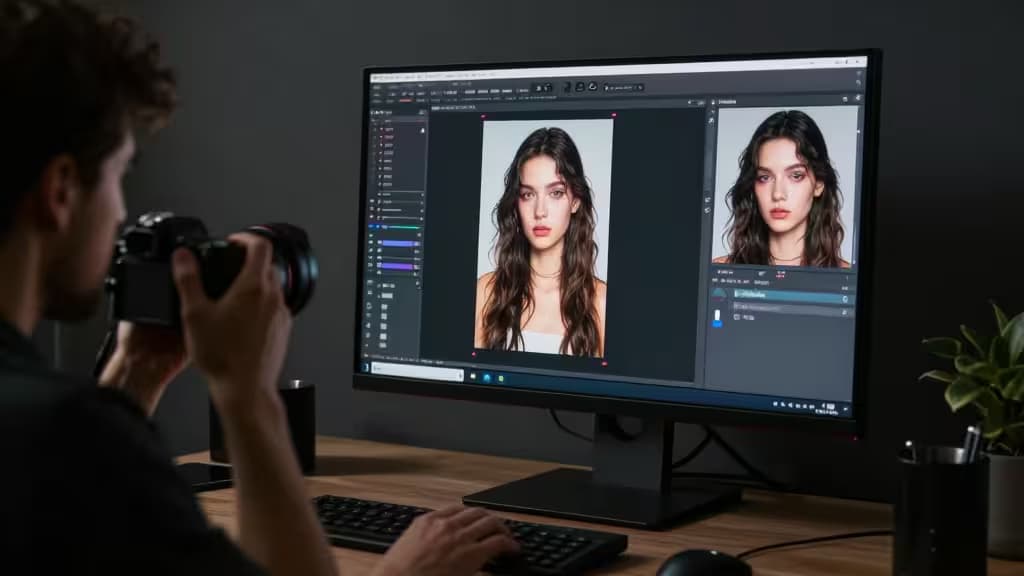
AI photo editing has shifted from novelty to professional workflow staple. Generative fill, one-tap background removal, and batch AI enhancement now save working photographers hours per shoot — and the tools have matured enough that the output holds up in client deliverables.
This guide covers the best AI photo editing tools for professional photographers, from generative engines that live inside Photoshop to specialized platforms built for product photography and catalog-scale processing. We evaluated each tool on three dimensions that matter to working pros: how well it integrates into existing workflows, the quality and breadth of its AI capabilities, and whether the output is commercially safe for paid work.
A note on Adobe Firefly: Adobe Firefly remains the industry-standard AI layer for Photoshop users, offering Generative Fill, Generative Expand, and commercially safe training data directly inside Creative Cloud apps.1 It is the default choice for retouching, compositing, and extending images — and if you're already subscribed to Creative Cloud, it's included in your plan. We were unable to secure a purchase link at publication time, so the formal picks below focus on tools you can evaluate and adopt independently. For most working photographers, Firefly complements rather than replaces these specialized tools.
Our Picks at a Glance
| Tool | Best For | Platform |
|---|
| Photoroom | Product & e-commerce photography | Web + mobile |
| Leonardo.ai | Creative & generative image work | Web |
| Mokker.ai | Product photoshoot simulation | Web |
| Claid.ai | Catalog-scale enhancement | API + web |
1. Photoroom — Best for Product & E-Commerce Photographers
Photoroom has built its reputation on one thing it does better than almost anyone: instant, clean background removal. For product and e-commerce photographers shooting high volumes, that single capability — combined with batch editing and AI-generated studio backgrounds — can compress an entire post-production step into minutes.2
What sets Photoroom apart is the speed of the workflow. Upload a batch of product shots, and the AI strips backgrounds, generates clean studio backdrops, and standardizes framing across the set. The mobile app means you can process shots on-site between shoots, and the web app handles larger batches when you're back at the desk.2
For wedding and portrait photographers, Photoroom is less essential — its strengths are product-centric. But for anyone whose deliverables involve catalog-ready product imagery, it's the fastest path from raw shot to publishable photo.
Verdict: Fastest background removal and batch editing for high-volume product work.
2. Leonardo.ai — Best for Creative & Generative Image Work
Leonardo.ai sits at the intersection of AI image generation and editing, offering fine-tuned control over style, composition, and output that goes beyond standard retouching.3 For photographers working in concept photography, stylized composites, or any project where generative elements play a role, it's the most capable standalone platform we evaluated.
The platform's strength is control. Where simpler tools give you a prompt and a result, Leonardo.ai lets you guide the generation process with reference images, style transfers, and model fine-tuning — making it possible to produce images that align with an established visual direction rather than starting from scratch each time.3
It's not a replacement for Photoshop or Lightroom in a traditional retouching workflow. But for photographers whose work increasingly involves generative elements — mood boards, concept frames, stylized composites for editorial clients — Leonardo.ai is the tool that gives you the most creative latitude.
Verdict: Most capable generative engine for creative and concept photography.
3. Mokker.ai — Best for Product Photoshoot Simulation
Mokker.ai addresses a specific, expensive problem in product photography: the cost of staging a full professional shoot. Upload a single product photo, and the platform generates a complete photoshoot with varied backgrounds, lighting setups, and environmental context — no studio rental, no lighting gear, no reshoots.4
The output is designed to look like a real photoshoot rather than an AI-generated scene. Backgrounds range from clean studio sweeps to lifestyle environments, and the AI preserves product accuracy — the item itself isn't altered, only its surroundings.4
For small e-commerce brands and independent product photographers, Mokker.ai can dramatically reduce the cost of producing a varied product catalog. It's a niche tool, but within that niche, it does something no other platform on this list matches.
Verdict: Turns one product shot into a full professional shoot — niche but powerful.
4. Claid.ai — Best for Catalog-Scale Enhancement
Claid.ai is built for the unglamorous but essential work of processing large image sets at scale. AI upscaling, color standardization, background cleanup, and even AI-generated fashion models — all accessible via a web dashboard or a developer API for bulk automation.5
The API is what makes Claid.ai genuinely different from the other tools here. If you're managing a catalog of thousands of product images — standardizing dimensions, upscaling low-resolution shots, or generating on-model imagery for fashion listings — Claid.ai's pipeline approach means you can process entire catalogs programmatically rather than editing image by image.5
Pricing starts with a free trial, with paid plans from $19/month for higher-volume processing.5 For photographers and studios handling e-commerce clients with large inventories, the time savings at scale justify the subscription cost quickly.
Verdict: Best API-driven pipeline for catalog-scale image processing.
How to Choose
If you live in Photoshop: Adobe Firefly is your starting point — Generative Fill and Expand are built into the app you already use, with commercially safe training data.1 Add Photoroom for fast product background work.
If you shoot products for e-commerce: Photoroom for speed and volume, Mokker.ai for staged shoots when you need variety, and Claid.ai when you're processing catalogs at scale.
If your work is creative or editorial: Leonardo.ai gives you the generative control to build concept frames and stylized composites that go beyond what traditional editing tools offer.3
If you manage large catalogs: Claid.ai's API is the only tool here designed for programmatic, bulk processing of thousands of images.5
Recomate may earn a commission when you purchase through links in this article. We independently research and evaluate every tool we recommend — no tool pays for placement.