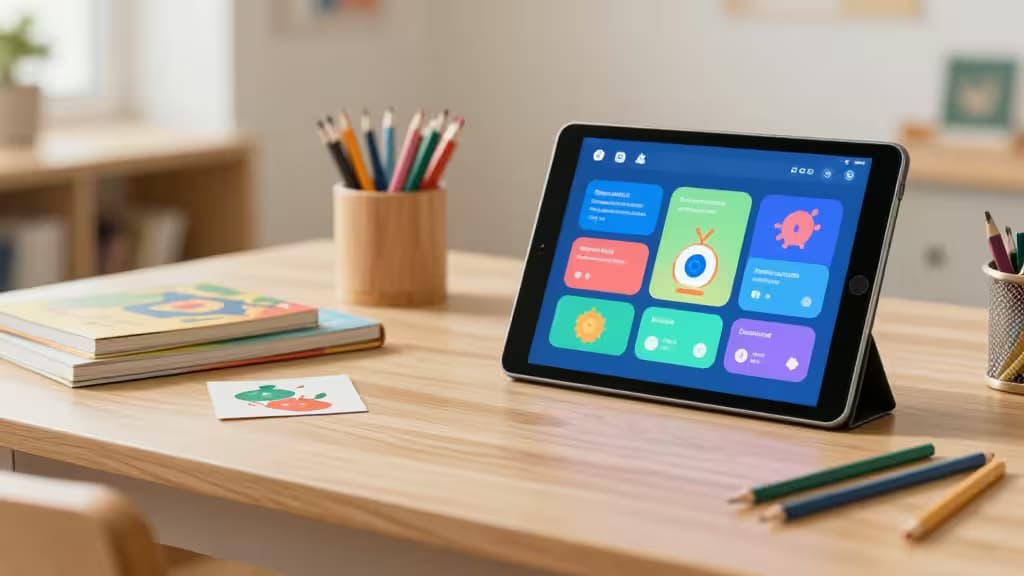
Artificial intelligence is reshaping how kids learn — not by replacing teachers or parents, but by putting a patient, adaptive tutor in their pocket. The best AI learning tools for kids don't just hand out answers; they guide, prompt, and spark curiosity. We tested dozens of platforms across age groups to find the things actually worth buying for your young learner.
Why AI tools belong in your child's learning stack
The shift from "answer machine" to "learning guide" is the real story here. Modern AI tools for kids use the Socratic method — asking questions, prompting deeper thinking, and adapting to each child's pace.1 The best platforms offer free tiers, robust safety guardrails, and environments designed for experimentation rather than performance.
Best AI learning tools by age group
Ages 6–8: Foundational exploration
Young children benefit most from visual, block-based environments where AI concepts are introduced through play. Tools like Scratch (not AI-native but AI-adjacent) and Google Teachable Machine let kids see cause and effect without abstract syntax.1 At this stage, look for tools with zero typing requirements and heavy parental controls.
Ages 9–11: Creative and structured learning
This is the sweet spot for introducing generative AI in a controlled way. Kids can experiment with AI art, simple coding projects, and structured tutoring. The focus should be on tools that explain why something works, not just what to do.
Ages 12–15: Real-world skills and independence
Teenagers are ready for professional-grade tools with training wheels. AI coding assistants, advanced creative suites, and private LLM chat platforms give them real-world skills while maintaining safety guardrails. This is where the picks below really shine.
The picks: Best AI learning tools for kids
1. Replit (with Ghostwriter) — Best for teen coders
Ages 12+ | Coding
Replit has evolved from a simple browser-based IDE into a full coding platform with Ghostwriter, its AI pair programmer. Teens can start with Python, JavaScript, or HTML/CSS without installing anything — and Ghostwriter helps debug, explain, and suggest improvements in real time.1
The free tier is generous: unlimited public repls and a solid allocation of AI assistant queries. It's the closest thing to a professional development environment that a teenager can use safely, with built-in moderation and shareable projects for portfolio building.
2. Codeium — Best AI coding assistant for advanced learners
Ages 14+ | Coding
Codeium is a powerful, free-tier AI coding assistant that integrates with VS Code, JetBrains, and other professional IDEs. For older kids who've outgrown block-based coding, Codeium provides autocomplete, natural-language-to-code translation, and inline explanations.1
The free tier is genuinely useful — unlimited autocomplete and chat, no credit card required. It's an excellent bridge between classroom coding and real-world software development.
3. Leonardo.ai — Best for creative AI art exploration
Ages 10+ | Creativity
Leonardo.ai is a generative AI art platform that lets kids create stunning visuals from text prompts. Unlike more restrictive tools, Leonardo offers fine-grained control over style, composition, and model selection — teaching the art of prompt engineering while producing portfolio-worthy work.1
The free daily token system encourages thoughtful creation rather than mindless generation. Kids learn iteration, prompt refinement, and visual design principles while exploring the boundaries of generative AI.
4. LibertAI Chat — Best private AI chat for students
Ages 12+ | General Learning
LibertAI Chat is a private, secure alternative to mainstream LLM chatbots. It offers uncensored but responsible AI interaction without corporate data tracking — ideal for students who need to explore ideas, get homework help, or practice the Socratic method with an AI.1
As a first-party tool, we can vouch for its privacy-first approach: no data harvesting, no advertising, and a commitment to educational use. The chat interface is clean and distraction-free, letting students focus on learning rather than navigating upsells.
Comparison table
| Feature | Replit Ghostwriter | Codeium | Leonardo.ai | LibertAI Chat |
|---|
| Best for | Teen coders | Advanced coders | Creative art | Private chat |
| Age range | 12+ | 14+ | 10+ | 12+ |
| Free tier | Yes (generous) | Yes (unlimited) | Yes (daily tokens) | Yes (unlimited) |
How we chose
We evaluated tools across four criteria: educational value (does it teach or just automate?), age appropriateness (are the interfaces and content suitable?), free tier quality (can a kid actually learn without paying?), and safety (are there guardrails for independent use?).1 Every pick on this list passed all four gates.
The bottom line
The best AI learning tool for your child depends on their age and interests. For teens serious about coding, Replit is the clear winner. For creative kids who want to explore generative art, Leonardo.ai offers the best balance of power and safety. And for any student who needs a private, thoughtful AI companion, LibertAI Chat delivers without compromising privacy.
Disclosure: As an affiliate partner, we may earn a commission on purchases made through links on this page. Our picks are independently selected and tested — we only recommend tools we believe in.